NEW Your $0 → $50K MRR voice AI playbook . The full path to a profitable AI voice agency. Free. Get it free
Snowflake
Autocalls.ai

Connect Snowflake with Autocalls.ai AI voice agents

Snowflake AI Voice Call Automation

Turn warehouse data into live conversations and instant updates. Connect Snowflake to AI voice agents for faster outreach, cleaner records, and smarter follow-up.

Developer tools
3 Actions
Autocalls Autocalls
Turn warehouse data into phone integration results
Smart Sync

Turn warehouse data into phone integration results

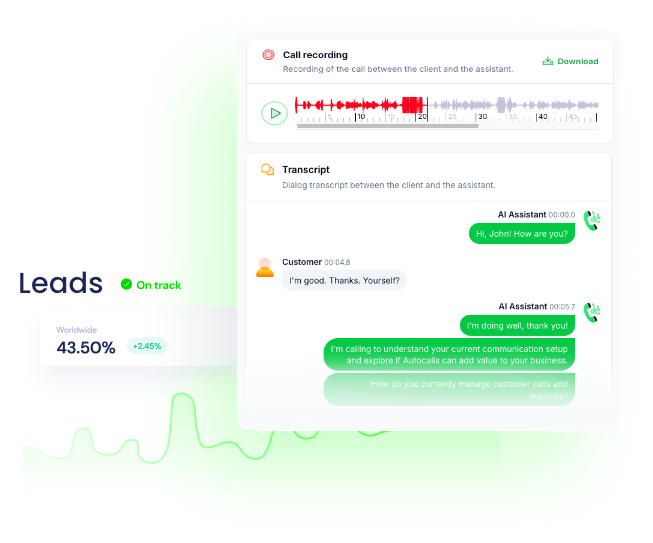
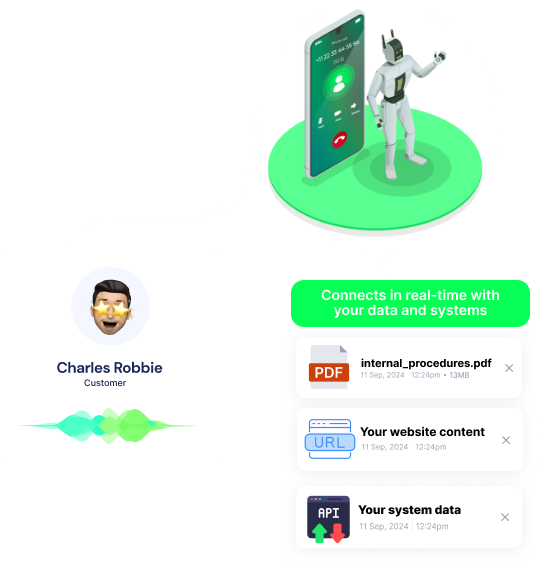
Use Snowflake data to power outbound campaigns, qualify leads, and update records after every call with precise call automation. Connect insights from your warehouse to AI call center automation and appointment booking flows without manual exports.
Run Query and Run Multiple Queries let your team pull the right customer data before each conversation, while Insert Row logs outcomes for reporting and next steps.

  • 60% faster lead routing
  • 90% less manual data entry
Launch an AI auto dialer from Snowflake records
Auto Dialer

Launch an AI auto dialer from Snowflake records

Build a Snowflake auto dialer workflow that calls the right contacts based on fresh warehouse data, campaign lists, or account status. It is ideal for renewals, collections, reactivation, and AI cold calling tied to your integrations stack.
After each conversation, Insert Row can write call outcomes back to a table so sales and operations teams always work from updated data.

  • 45% more call coverage
  • 3x faster campaign launch
Close the loop with Snowflake call automation
Call Insights

Close the loop with Snowflake call automation

Move call results, booking status, and qualification data into Snowflake for cleaner reporting and better forecasting. This makes your phone integration more useful across support, sales, and AI answering service or WhatsApp AI chatbot journeys.
With Run Multiple Queries, teams can enrich each interaction from several tables at once and give every AI voice agent the context needed for better conversations.

  • 95% reporting accuracy
  • 2x faster post-call analytics

Available Actions

Powerful actions you can trigger with Snowflake to automate your workflows

Run Query

Run Query

Configuration Fields:
Parameters ARRAY

Binding parameters for the SQL query (to prevent SQL injection attacks)

SQL query Required SHORT_TEXT

Use :1, :2… or ? placeholders to use binding parameters.

Query timeout (ms) NUMBER

An integer indicating the maximum number of milliseconds to wait for a query to complete before timing out.

Application name SHORT_TEXT

A string indicating the name of the client application connecting to the server.

Insert Row

Insert a row into a table.

Configuration Fields:
Table Required DROPDOWN
Schema Required DROPDOWN
Database Required DROPDOWN
Rows Required DYNAMIC

Run Multiple Queries

Run Multiple Queries

Configuration Fields:
Parameters ARRAY

Binding parameters shared across all queries to prevent SQL injection attacks. Use :1, :2, etc. to reference parameters in order. Avoid using "?" to avoid unexpected behaviors when having multiple queries. Unused parameters are allowed.

Query timeout (ms) NUMBER

An integer indicating the maximum number of milliseconds to wait for a query to complete before timing out.

SQL queries Required ARRAY

Array of SQL queries to execute in order, in the same transaction. Use :1, :2… placeholders to use binding parameters. Avoid using "?" to avoid unexpected behaviors when having multiple queries.

Application name SHORT_TEXT

A string indicating the name of the client application connecting to the server.

Use Transaction CHECKBOX

When enabled, all queries will be executed in a single transaction. If any query fails, all changes will be rolled back.

Autocalls Autocalls

Examples of automation flows

Real-world examples of how businesses use Snowflake integration to automate workflows

Call warm leads from Snowflake segments

Run a query to pull high-intent leads and send them to an AI calling campaign. After each conversation, insert the result into Snowflake for instant reporting.

Update booking outcomes after every call

Use AI voice agents to confirm or reschedule appointments from customer records in Snowflake. Each completed call writes a new row with booking status and follow-up notes.

Enrich debt collection calls with account data

Run multiple queries to gather balance, payment history, and contact details before outreach begins. The AI agent calls with better context and logs outcomes back into Snowflake.

Reactivate dormant customers with targeted outreach

Query inactive accounts in Snowflake and launch tailored reactivation calls automatically. Store responses and next actions in a table for sales follow-up.

Route support callbacks using warehouse insights

Pull customer tier and case history from Snowflake before an AI callback is placed. Save call summaries as rows so support teams can track resolution trends.

Track campaign performance across every call

Use Snowflake as the source of truth for outbound call lists and audience criteria. Insert post-call data after each interaction to measure conversion by segment.

Integrate with popular tools using our no-code platform

Easily manage AI voice agents without the need for programming skills.

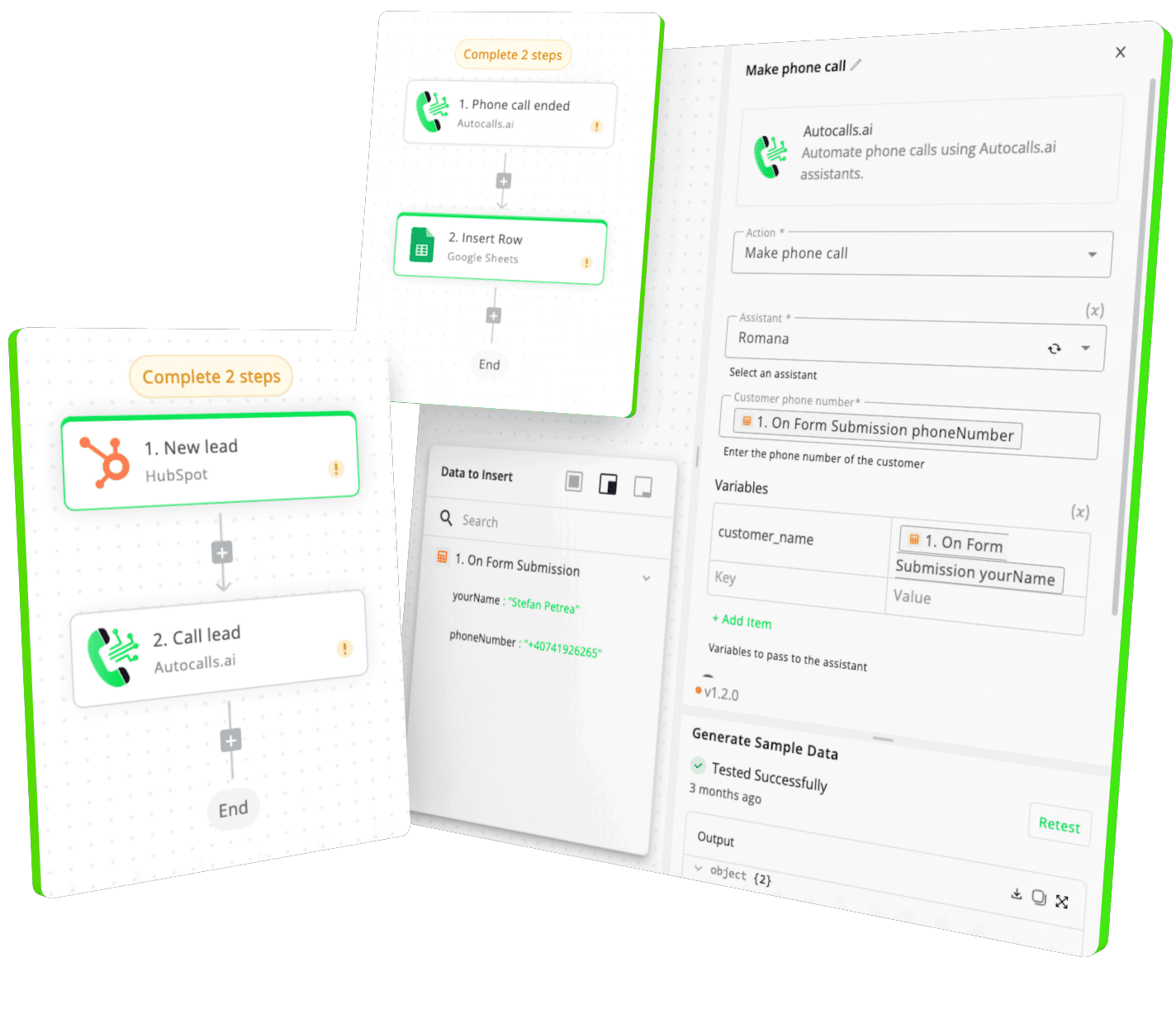
Integrate with popular tools such as HubSpot, GoHighLevel, Zoho, Cal.com & +250 more and build automations using drag and drop.

Autocalls

+250 tools ready to integrate with your AI agents flow in our no-code platform, similar to Zapier or Make.

Autocalls
Similar integrations with Snowflake

Frequently Asked Questions 👍

Have a question that is not answered? You can contact us at

Have a question? Contact us

A Snowflake phone integration connects your cloud data warehouse to AI calling workflows so calls can use live customer data and write outcomes back automatically. This helps teams launch smarter outreach, improve data quality, and reduce manual updates.

A Snowflake auto dialer uses queries to pull contact lists, segments, or account data from Snowflake and feed them into automated calling campaigns. After each call, results can be inserted back into a table for tracking, follow-up, and reporting.

Yes. With Autocalls, you can connect Snowflake to AI calling workflows using a no-code builder and available actions like Run Query, Insert Row, and Run Multiple Queries. That makes it much easier to launch campaigns without maintaining complex custom scripts.

Snowflake phone automation can handle lead qualification, appointment reminders, collections outreach, renewal calls, support callbacks, and post-call record updates. Your team gets faster execution while Snowflake stays updated with structured call results.

Snowflake call automation reduces delays, copy-paste work, and outdated call lists by pulling data directly from your warehouse when needed. It also improves reporting because call outcomes are written back in a consistent format.

Yes. A Snowflake voice agent can use Run Multiple Queries to collect customer details, account status, order history, or campaign tags from several tables before the call starts. That extra context helps the agent give more relevant responses and next steps.

image image image

Ready to integrate Snowflake with AI voice calling agents?

Join thousands of businesses already automating their phone calls with our Snowflake integration.
You can get your assistant ready in few minutes.

Autocalls