NEW Your $0 → $50K MRR voice AI playbook . The full path to a profitable AI voice agency. Free. Get it free
Qdrant
Autocalls.ai

Connect Qdrant with Autocalls.ai AI voice agents

Qdrant AI Voice Call Automation

Connect Qdrant to your AI voice agents to search vectors, update collections, and personalize every call in real time. Turn stored embeddings into faster, smarter conversations.

Developer tools
7 Actions
Autocalls Autocalls
Qdrant phone integration for real-time call context
Smart Search

Qdrant phone integration for real-time call context

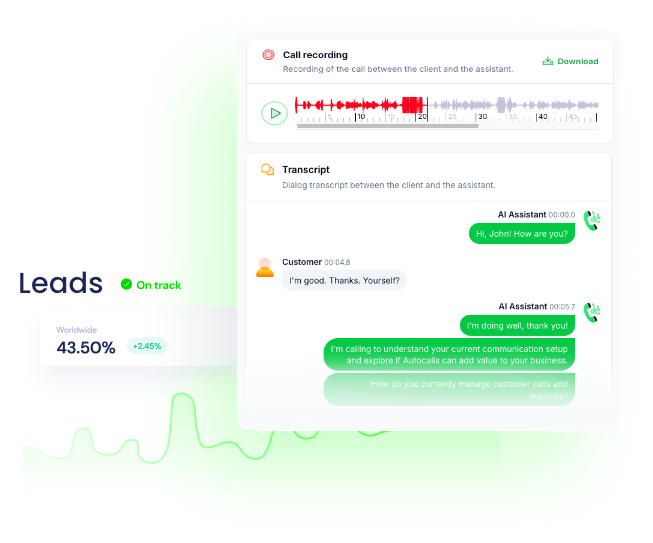
Let your AI agent search points in Qdrant during live calls to find the closest vector match and pull relevant memory, customer intent, or knowledge instantly.
Use this to improve AI answering service performance and power more accurate appointment booking flows with context-aware responses.

  • 70% faster data retrieval
  • 40% more relevant call responses
Qdrant auto dialer with live vector writes
Auto Updates

Qdrant auto dialer with live vector writes

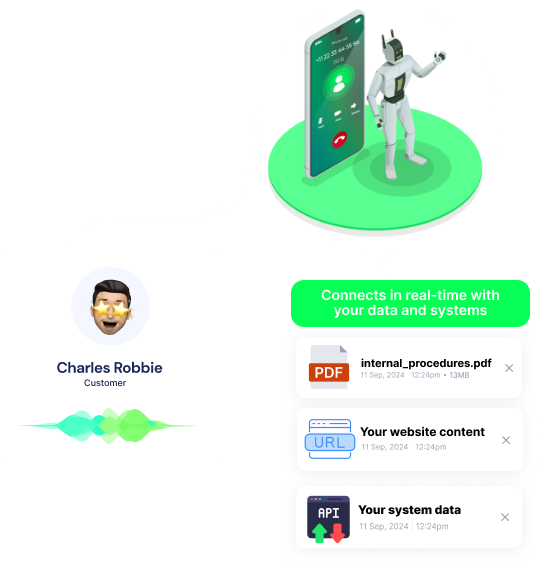
After each conversation, your call automation can add points to a collection, update embeddings, or delete outdated points so the next outreach starts with fresher intelligence.
This helps teams running AI cold calling campaigns and AI call center automation keep every call informed by the latest outcomes.

  • 60% less manual data work
  • 2x faster follow-up preparation
Qdrant call automation with full collection visibility
Database Control

Qdrant call automation with full collection visibility

View collection lists, check collection info, and manage deletes directly inside your workflow so developers and ops teams can control vector data without slowing down phone workflows.
That makes it easier to scale a white-label platform and connect Qdrant to broader business integrations from one place.

  • 90% faster collection management
  • 50% fewer workflow handoffs

Available Actions

Powerful actions you can trigger with Qdrant to automate your workflows

Get Points

Get the points of a specific collection

Configuration Fields:
Choose Points By Required STATIC_DROPDOWN

The method to use to get the points

Collection Name Required SHORT_TEXT

The name of the collection needed for this action

By ids or filtering Required DYNAMIC

The infos to select points

Delete Points

Delete points of a specific collection

Configuration Fields:
Choose Points By Required STATIC_DROPDOWN

The method to use to get the points

Collection Name Required SHORT_TEXT

The name of the collection needed for this action

By ids or filtering Required DYNAMIC

The infos to select points

Search Points

Search for points closest to your given vector (= embedding)

Configuration Fields:
Must Have OBJECT

If the point have this property in his payload it will be selected

Embedding Required FILE

The vector (= embedding) you want to search for.

Must Not Have OBJECT

If the point have this property in his payload it will not be selected

Limit Result NUMBER

The max number of results you want to get.

Collection Name Required SHORT_TEXT

The name of the collection needed for this action

Negative Vector FILE

The vector (= embedding) you want to be the farthest.

Get Collection List

Get the list of all the collections of your database

No additional configuration required

Get Collection Infos

Get the all the infos of a specific collection

Configuration Fields:
Collection Name Required SHORT_TEXT

The name of the collection needed for this action

Delete Collection

Delete a collection of your database

Configuration Fields:
Collection Name Required SHORT_TEXT

The name of the collection needed for this action

Add points to collection

Insert a point (= embedding or vector + other infos) to a specific collection, if the collection does not exist it will be created

Configuration Fields:
Content Chunks FILE

The content chunks of the doc to add to payload

Additional Payload JSON

The additional information for the points

Storage STATIC_DROPDOWN

Define where points will be stored

Calculation Method of distance Required STATIC_DROPDOWN

The calculation method helps to rank vectors when you want to find the closest points, the method to use depends on the model who's created the embeddings, see the documentation of your model

Embeddings Required FILE

Embeddings (= vectors) for the points

Embeddings Ids ARRAY

The ids of the embeddings for the points. If not provided, the ids will be generated automatically

Collection Name Required SHORT_TEXT

The name of the collection needed for this action

Autocalls Autocalls

Examples of automation flows

Real-world examples of how businesses use Qdrant integration to automate workflows

Search vectors before answering calls

When a caller speaks, the agent searches Qdrant for the closest matching point. The response is tailored using stored intent, notes, or support context.

Update embeddings after every sales call

Each completed conversation writes a new point to the right collection in Qdrant. Future calls become more personalized as the database keeps improving.

Clean up outdated lead memory automatically

If a lead is no longer active, the workflow deletes old points from the collection. Your AI dialer works from current data instead of stale records.

Check collection health before launch

Before an outbound campaign starts, the system gets the collection list and collection info from Qdrant. Teams can confirm the right data is available before calls go live.

Create collections from new campaign data

When a new campaign starts, points are added to a fresh collection automatically if it does not exist. This keeps call automation organized by use case or audience.

Match callers to the closest knowledge point

The voice agent searches Qdrant using an embedding built from the caller's request. It returns the closest point so answers stay precise and useful.

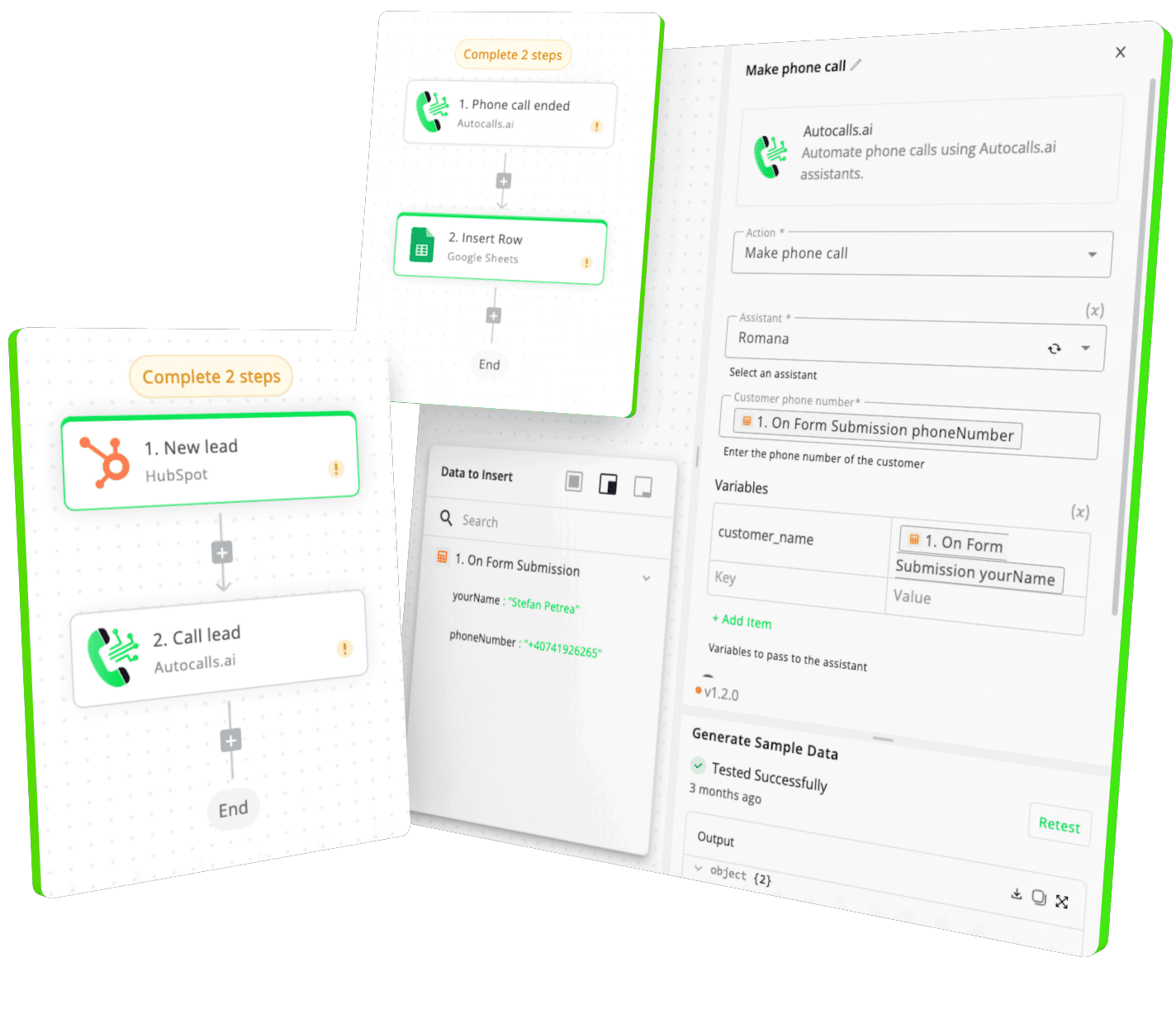
Integrate with popular tools using our no-code platform

Easily manage AI voice agents without the need for programming skills.

Integrate with popular tools such as HubSpot, GoHighLevel, Zoho, Cal.com & +250 more and build automations using drag and drop.

Autocalls

+250 tools ready to integrate with your AI agents flow in our no-code platform, similar to Zapier or Make.

Autocalls
Similar integrations with Qdrant

Frequently Asked Questions 👍

Have a question that is not answered? You can contact us at

Have a question? Contact us

A Qdrant phone integration connects your vector database to AI calling workflows so agents can search, add, and manage points during or after calls. This helps your phone system use stored embeddings and metadata to deliver more relevant conversations.

A Qdrant auto dialer can search the closest vector match before each call and update data after every interaction. That gives sales and support teams better targeting, cleaner memory, and more personalized outreach at scale.

Yes, you can build Qdrant AI dialer workflows using Autocalls' no-code automation tools. That means you can connect vector search and collection management to outbound calls without relying on a heavy engineering process.

Qdrant phone automation lets your AI agent pull relevant vectors in real time and write back new call insights once the conversation ends. This makes each interaction more informed and helps the system improve over time.

With Qdrant call automation, you can search points, get collection info, add new points, delete points, and manage collections as part of your call workflows. This is useful for lead qualification, customer support, follow-ups, and knowledge-driven phone interactions.

A Qdrant voice agent can use vector search to find meaning, not just exact keyword matches. That helps the agent respond with better context, handle more complex requests, and personalize calls using stored embeddings.

Yes, Qdrant phone integration works well for inbound support, outbound campaigns, and booking flows where fast context matters. Teams can use vector search to improve call routing, recall past conversations, and support more accurate scheduling.

image image image

Ready to integrate Qdrant with AI voice calling agents?

Join thousands of businesses already automating their phone calls with our Qdrant integration.
You can get your assistant ready in few minutes.

Autocalls