NEW Your $0 → $50K MRR voice AI playbook . The full path to a profitable AI voice agency. Free. Get it free
Schedule
Autocalls.ai

Connect Schedule with Autocalls.ai AI voice agents

Schedule AI Voice Call Automation

Launch AI voice calls on a fixed schedule without manual work. Trigger outreach daily, hourly, weekly, monthly, or with custom cron timing.

Core
6 Triggers
Autocalls Autocalls
Schedule phone integration for always-on call automation
Timed Outreach

Schedule phone integration for always-on call automation

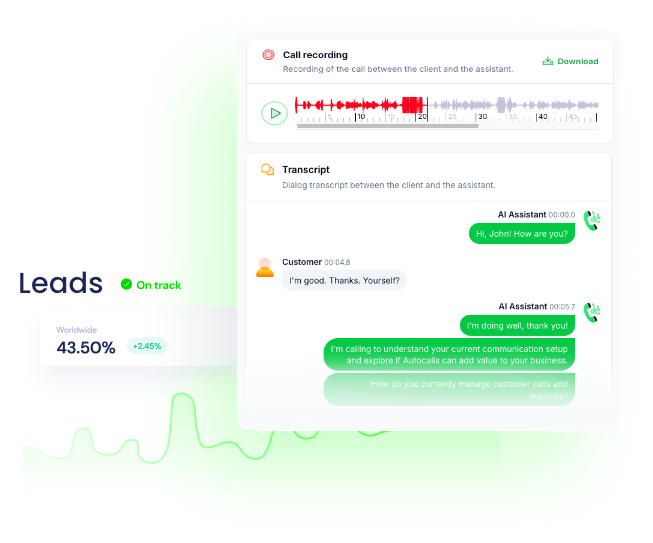
Use Schedule triggers to launch outbound AI calls at the exact time your team needs them, from daily reminders to monthly follow-ups.
Pair timed calling with appointment booking and AI call center automation to keep outreach consistent without manual dialing.

  • 80% less manual calling work
  • 24/7 scheduled campaign launches
Schedule auto dialer that keeps every campaign on time
Auto Dialer

Schedule auto dialer that keeps every campaign on time

Run recurring call campaigns every hour, every week, or every X minutes so leads, customers, and patients hear from you right on schedule.
Add AI answering service and integrations to route outcomes into your workflows after each scheduled call.

  • 60% faster follow-up cycles
  • 3x more consistent outreach volume
Flexible call automation with a Schedule voice agent
Custom Timing

Flexible call automation with a Schedule voice agent

Choose simple timing rules like every day or advanced cron expressions when your call automation needs precise control across teams, regions, or use cases.
Connect scheduled campaigns with WhatsApp AI chatbot and AI virtual receptionist for a stronger omnichannel follow-up flow.

  • Minute-level trigger precision
  • 100% repeatable call schedules

Available Triggers

Events in Schedule that can automatically start your workflows

Every Day

Triggers the current flow every day

Configuration Fields:
Timezone Required STATIC_DROPDOWN
Hour of the day Required STATIC_DROPDOWN
Run on weekends (Sat,Sun) Required CHECKBOX

Every Hour

Triggers the current flow every hour

Configuration Fields:
Run on weekends (Sat,Sun) Required CHECKBOX

Every Week

Triggers the current flow every week

Configuration Fields:
Timezone Required STATIC_DROPDOWN
Day of the week Required STATIC_DROPDOWN
Hour of the day Required STATIC_DROPDOWN

Every Month

Triggers the current flow every month

Configuration Fields:
Timezone Required STATIC_DROPDOWN
Hour of the day Required STATIC_DROPDOWN
Day of the month Required STATIC_DROPDOWN

Cron Expression

Trigger based on cron expression

Configuration Fields:
Timezone Required STATIC_DROPDOWN
Cron Expression Required SHORT_TEXT

Cron expression to trigger

Every X Minutes

Triggers the current flow every X minutes

Configuration Fields:
Minutes Required STATIC_DROPDOWN

Valid value between 1 to 59.

Autocalls Autocalls

Examples of automation flows

Real-world examples of how businesses use Schedule integration to automate workflows

Daily appointment reminder calls

Trigger the flow every day to place reminder calls automatically. This helps reduce no-shows and keeps staff focused on higher-value tasks.

Hourly lead response campaigns

Trigger the flow every hour to contact fresh leads while interest is high. Faster outreach improves connection rates and shortens the sales cycle.

Weekly reactivation call outreach

Trigger the flow every week to reconnect with inactive contacts. Regular check-ins help revive old opportunities without extra admin work.

Monthly billing and renewal calls

Trigger the flow every month to send payment reminders or renewal prompts by phone. This creates a steady process for retention and collections.

Cron-based campaign timing

Use a cron expression to start calls only at the exact times your operation requires. This gives teams tighter control over compliance, staffing, and outreach windows.

Every X minutes follow-up engine

Trigger the flow every X minutes for rapid callback loops and time-sensitive campaigns. This keeps your pipeline active without relying on manual dialing.

Integrate with popular tools using our no-code platform

Easily manage AI voice agents without the need for programming skills.

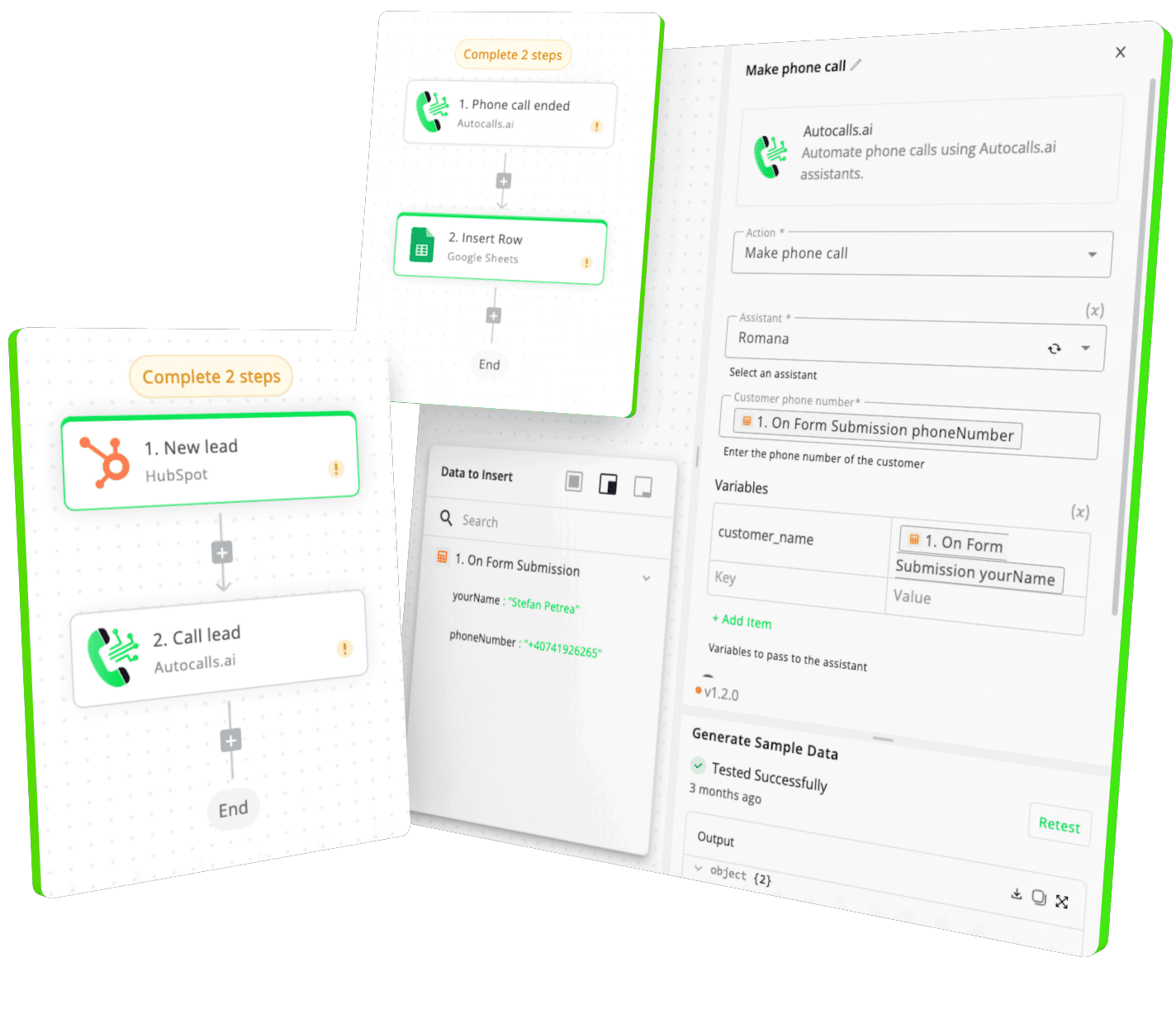
Integrate with popular tools such as HubSpot, GoHighLevel, Zoho, Cal.com & +250 more and build automations using drag and drop.

Autocalls

+250 tools ready to integrate with your AI agents flow in our no-code platform, similar to Zapier or Make.

Autocalls
Similar integrations with Schedule

Frequently Asked Questions 👍

Have a question that is not answered? You can contact us at

Have a question? Contact us

A Schedule phone integration lets you trigger AI voice call flows automatically based on time rules like every day, every hour, every week, every month, or a custom cron expression. It helps your team launch calls on time without manual dialing. This is useful for reminders, follow-ups, and recurring outreach.

A Schedule auto dialer starts your call flow at fixed intervals, so campaigns run automatically on the schedule you choose. You can use it for daily reminders, hourly lead contact, or weekly outreach. This keeps call volume consistent and reduces missed follow-ups.

Yes, Schedule can trigger an AI dialer workflow at exact times or recurring intervals. That means your AI assistant can place outbound calls based on business rules instead of waiting for someone to start the campaign manually. It is a practical way to automate high-frequency outreach.

Schedule phone automation removes repetitive launch tasks from your team by starting call flows automatically. Staff no longer need to remember when to run reminder calls or follow-up campaigns. That saves time and helps maintain a predictable outreach process.

Schedule call automation can power appointment reminders, lead follow-ups, collections, reactivation campaigns, check-ins, and monthly renewal calls. With triggers like Every Day, Every Hour, Every Week, Every Month, Cron Expression, and Every X Minutes, you can match timing to the exact use case. This makes recurring phone outreach far easier to manage.

Yes, a Schedule voice agent can launch call flows using cron expressions when you need precise timing. This is helpful for businesses that want calls to start only during specific windows, days, or intervals. It gives you more control than a simple daily or weekly trigger.

image image image

Ready to integrate Schedule with AI voice calling agents?

Join thousands of businesses already automating their phone calls with our Schedule integration.
You can get your assistant ready in few minutes.

Autocalls