Connect Personal AI with Autocalls.ai AI voice agents
Turn Personal AI memory, documents, and messaging into smarter phone conversations. Give your AI voice agents better context for faster, more accurate customer interactions.
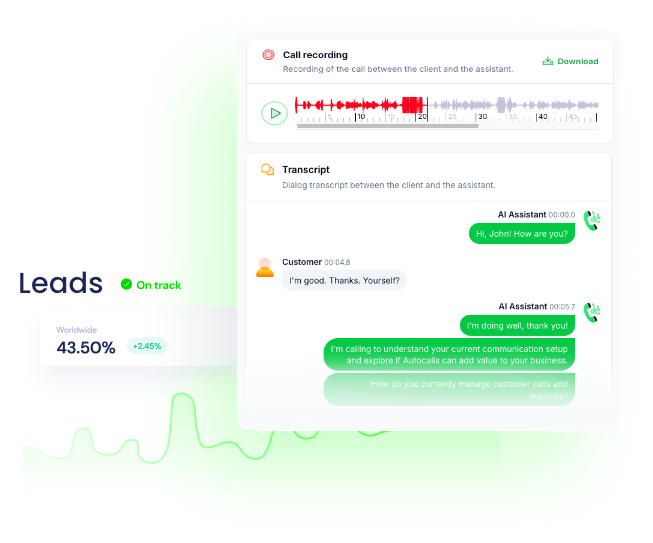
Connect Personal AI memory and documents to your calling workflows so every conversation starts with better context and more relevant replies.
Use stored knowledge to improve appointment booking flows and power a more responsive AI answering service.
Send messages to Personal AI, pull conversation history, and update documents automatically after each call to keep outreach organized and current.
This helps teams run better AI cold calling campaigns and stronger AI call center automation without manual data entry.
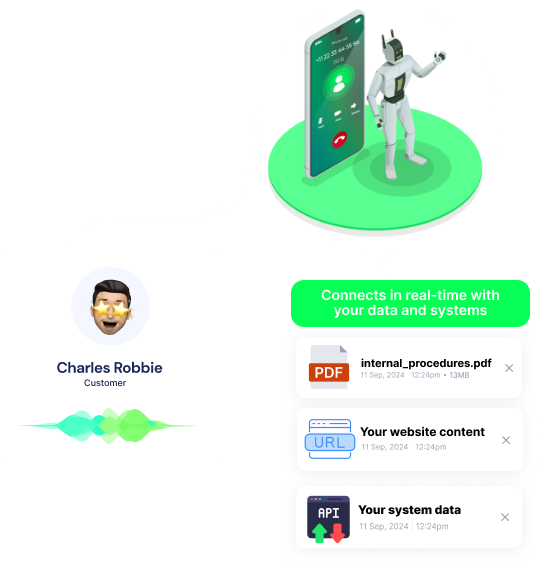
Upload files, URL content, and text documents into Personal AI so your voice agents always speak from the latest approved information.
That gives your team cleaner handoffs for an AI virtual receptionist and better multilingual support across languages.
Get a hands-on experience by trying a free demo call. Fill in your details, and our AI representative will call you instantly.
Try now a free AI call✓ No credit card required ✓ No commitment
Powerful actions you can trigger with Personal AI to automate your workflows
Upload content from a URL to AI assistant.
The URL of the content to upload
Comma delimited list of tags for the content
Title for the uploaded content
Flag to also add the content to memory
The domain identifier for the AI profile
Name of the source or application
Time (including timezone) of the content creation (e.g., Wed, 19 Sep 2023 13:31:00 PDT)
Upload a file to AI assistant.
The file to upload
Comma delimited list of tags for the file
Flag to also add the file content to memory
Name of the file to be uploaded
The domain identifier for the AI profile
Name of the source or application
Time (including timezone) of the file creation (e.g., Wed, 19 Sep 2023 13:31:00 PDT)
Retrieve a document from AI assistant.
The unique identifier of the document to retrieve
The domain identifier for the AI profile
Flag to include the document content in the response
Upload memories to your AI assistant stack.
Comma delimited list of tags for the memory
Plain text memories to upload to your stack
The domain identifier for the AI persona
The source or application of memory to help you recall where it is from
Time (including timezone) of the memory (e.g., Wed, 19 Sep 2023 13:31:00 PDT)
The formatted text that can be stored as it is
Send a message to the AI assistant for a response.
Message to send to your AI for a response
Additional context for the AI response (Similar to Reply function)
Flag to create a copilot message for the AI
Flag to also add the user message to memory
Name of the user sending the request
Use the same sessionId to continue conversation on that session
The domain identifier for the AI profile
Name of the source app of the inbound message
Update an existing document in AI assistant.
Comma delimited list of tags for the document
The updated text content of the document
Updated title of the document
Flag to also add the document to memory
The unique identifier of the document to update
The domain identifier for the AI profile
Name of the source or application
Time (including timezone) of the document creation (e.g., Wed, 19 Sep 2023 13:31:00 PDT)
Upload a text document to AI assistant.
Comma delimited list of tags for the document
The text content of the document to upload
Title of the document
Flag to also add the document to memory
The domain identifier for the AI profile
Name of the source or application
Time (including timezone) of the document creation (e.g., Wed, 19 Sep 2023 13:31:00 PDT)
Retrieve conversation history from AI assistant.
Number of messages to skip (for pagination)
Maximum number of messages to return
Name of the user requesting the conversation
The unique identifier for the conversation channel
Filter conversation by specific session ID
The domain identifier for the AI profile
Filter conversation by source application
Send a custom training instruction to AI assistant.
The training instruction or prompt to send
Additional context for the AI response
Flag to create a copilot message for the AI
Flag to also add the training instruction to memory
Name of the user sending the request
Use the same sessionId to continue conversation on that session
The domain identifier for the AI profile
Name of the source app of the inbound training
Send an instruction to AI assistant using ChatGPT integration.
The instruction or prompt to send to ChatGPT
Additional context for the AI response
Flag to create a copilot message for the AI
Flag to also add the user instruction to memory
Name of the user sending the request
Use the same sessionId to continue conversation on that session
The domain identifier for the AI profile
Name of the source app of the inbound instruction
Real-world examples of how businesses use Personal AI integration to automate workflows
After each customer call, key details are saved as new memory in Personal AI. Your team gets better follow-ups with less manual work.
Voice agents can reference uploaded files and documents during active conversations. This helps responses stay accurate and aligned with your latest information.
Upload URL content from your knowledge base into Personal AI automatically. Calls become more consistent across sales, support, and qualification.
When a call ends, the related document in Personal AI can be updated with fresh details. Your records stay organized without extra admin time.
Retrieve prior chats and responses before a new outbound call begins. Agents can continue the discussion with stronger context and less repetition.
Push new instructions into Personal AI whenever scripts or offers change. Your AI calling campaigns adapt quickly without rebuilding the whole workflow.
Easily manage AI voice agents without the need for programming skills.
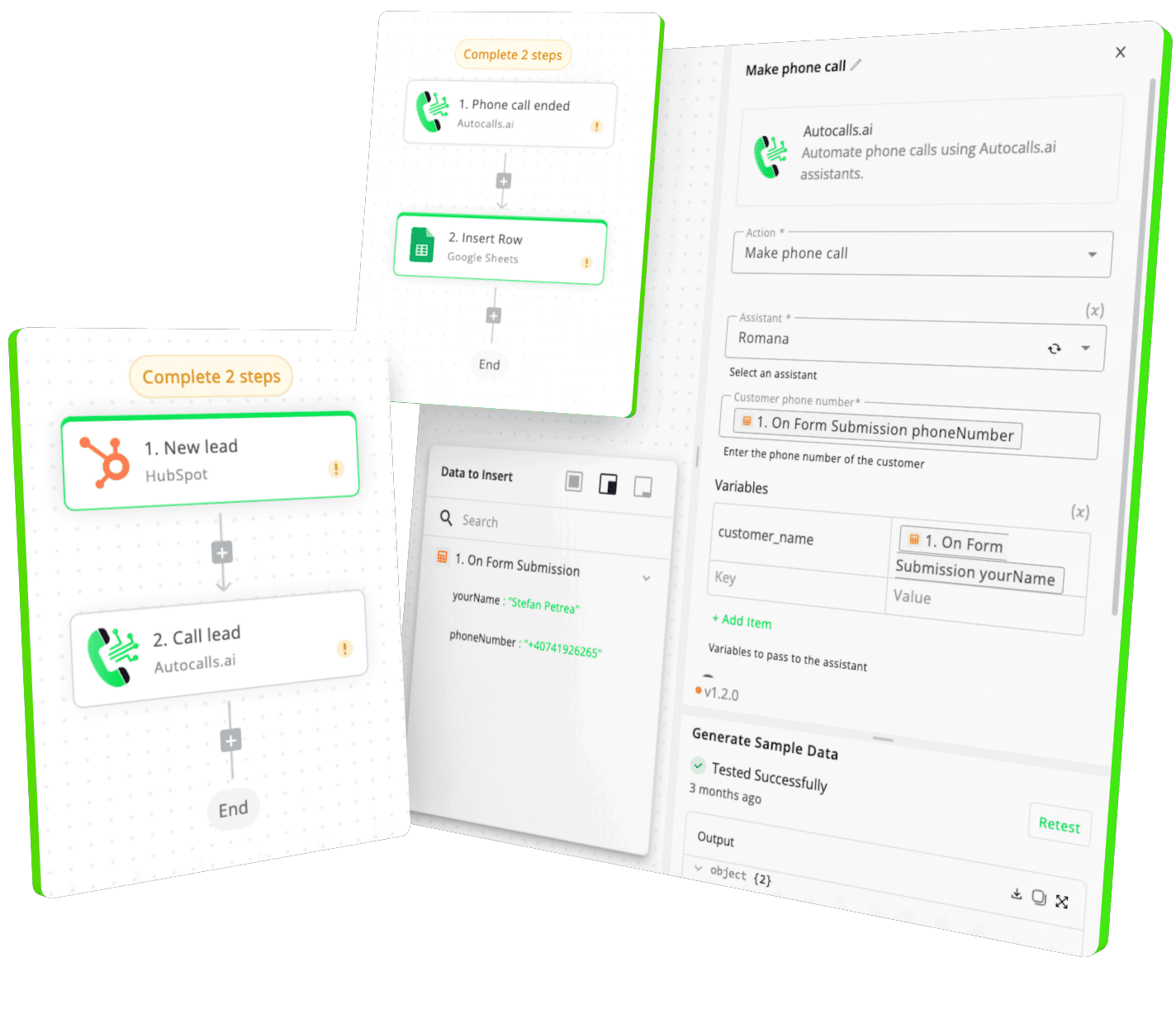
Integrate with popular tools such as HubSpot, GoHighLevel, Zoho, Cal.com & +250 more and build automations using drag and drop.
+250 tools ready to integrate with your AI agents flow in our no-code platform, similar to Zapier or Make.
Have a question that is not answered? You can contact us at
Have a question? Contact usA Personal AI phone integration connects your Personal AI memory, documents, and messaging with AI voice calling workflows. This lets your phone agent use stored knowledge during live conversations and update records after each call.
A Personal AI auto dialer helps outbound campaigns use richer context before, during, and after each call. You can send messages, retrieve conversation history, and log new memory so follow-ups feel more informed and timely.
Yes, you can build Personal AI AI dialer automations with Autocalls using a no-code workflow builder. That makes it easy to connect documents, memory storage, and call actions without relying on developers.
Personal AI phone automation lets your voice agents pull approved content from files, URLs, and documents so conversations stay accurate. It also helps save new insights back into Personal AI for better future calls.
Personal AI call automation can handle pre-call context loading, post-call memory creation, document updates, and message-based AI responses. This reduces manual admin work and keeps every interaction connected to the latest knowledge.
A Personal AI voice agent becomes more useful when it can access memory, documents, and training in real time. With Autocalls, you can turn that knowledge into natural AI phone conversations across inbound and outbound use cases.
Yes, Personal AI API-style connectivity is valuable when you want calls, messaging, and knowledge updates to work together automatically. Autocalls simplifies that process with built-in integrations and no-code automation tools.
Join thousands of businesses already automating their phone calls with our
Personal AI integration.
You can get your assistant ready in few minutes.
The full path forward. Strategy, scripts, pricing, and the operating cadence agencies use to scale a white-label voice AI business. Free PDF, delivered to your inbox.