NEW Your $0 → $50K MRR voice AI playbook . The full path to a profitable AI voice agency. Free. Get it free
HTTP
Autocalls.ai

Connect HTTP with Autocalls.ai AI voice agents

HTTP AI Voice Call Automation

Send HTTP requests during live AI calls and use the response instantly. Power faster decisions, smarter routing, and better customer conversations.

Core
1 Actions
Autocalls Autocalls
HTTP phone integration for real-time call automation
Live Sync

HTTP phone integration for real-time call automation

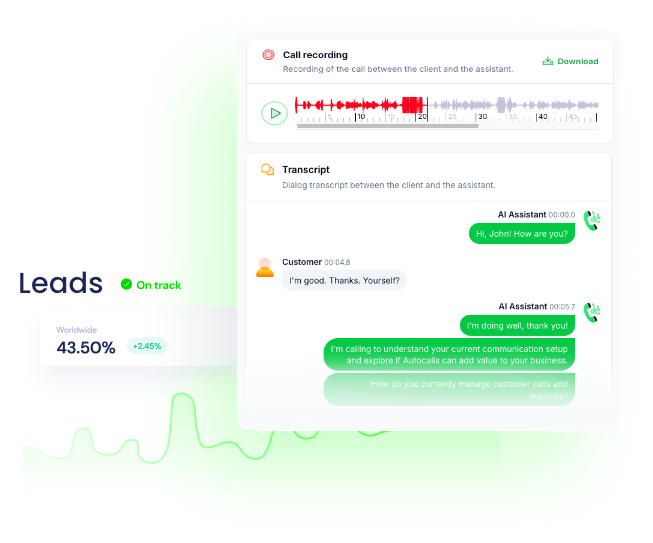
Use HTTP requests during AI calls to pull records, verify details, or send updates to your systems in real time.
This helps your agent handle appointment booking and customer workflows with faster decisions and more accurate responses.

  • 60% faster data lookups
  • 90% fewer manual updates
Turn HTTP into an AI auto dialer engine
Smart Dialer

Turn HTTP into an AI auto dialer engine

Send HTTP requests before or during outreach to decide who to call, what to say, and how to route each conversation.
This makes your AI cold calling campaigns more targeted, more timely, and easier to scale.

  • 35% higher contact efficiency
  • 2x faster campaign execution
Use HTTP API responses to improve phone automation
Instant Actions

Use HTTP API responses to improve phone automation

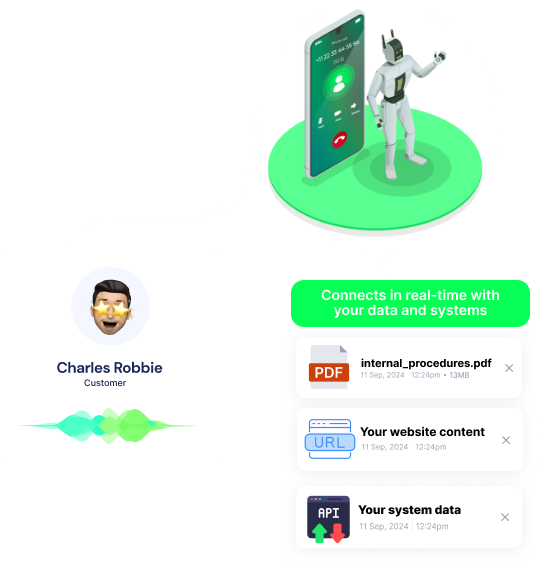
Trigger HTTP requests from your AI voice agent to check status, create records, or push results into external tools after key moments in a call.
This gives teams stronger integrations and better visibility across every conversation.

  • 95% response-based routing accuracy
  • 70% less admin work after calls

Available Actions

Powerful actions you can trigger with HTTP to automate your workflows

Send HTTP request

Send HTTP request

Configuration Fields:
URL Required SHORT_TEXT
Body DYNAMIC
Method Required STATIC_DROPDOWN
Headers Required OBJECT
Timeout(in seconds) NUMBER
Authentication Required STATIC_DROPDOWN
Body Type STATIC_DROPDOWN
Use Proxy CHECKBOX

Use a proxy for this request

Authentication Fields DYNAMIC
On Failure STATIC_DROPDOWN
Query params Required OBJECT
Proxy Settings DYNAMIC
Autocalls Autocalls

Examples of automation flows

Real-world examples of how businesses use HTTP integration to automate workflows

Check customer status before routing

The AI agent sends an HTTP request to fetch account details before transferring the call. This helps route callers faster and gives more relevant responses.

Update CRM after every conversation

When a call ends, the assistant sends an HTTP request with the outcome and notes. Your team gets cleaner records without manual data entry.

Verify eligibility during intake calls

The voice agent sends an HTTP request mid-call to validate customer information. This reduces delays and keeps the conversation moving.

Push booked appointments instantly

After a caller confirms a time, the AI assistant sends an HTTP request to save the booking. That keeps scheduling accurate across connected systems.

Trigger follow-up workflows from call outcomes

The agent sends an HTTP request when a lead is qualified, not interested, or needs a callback. This keeps follow-up actions consistent and immediate.

Personalize outbound calls with live data

Before speaking, the AI assistant sends an HTTP request to pull the latest customer context. Each outreach call feels more relevant and better timed.

Integrate with popular tools using our no-code platform

Easily manage AI voice agents without the need for programming skills.

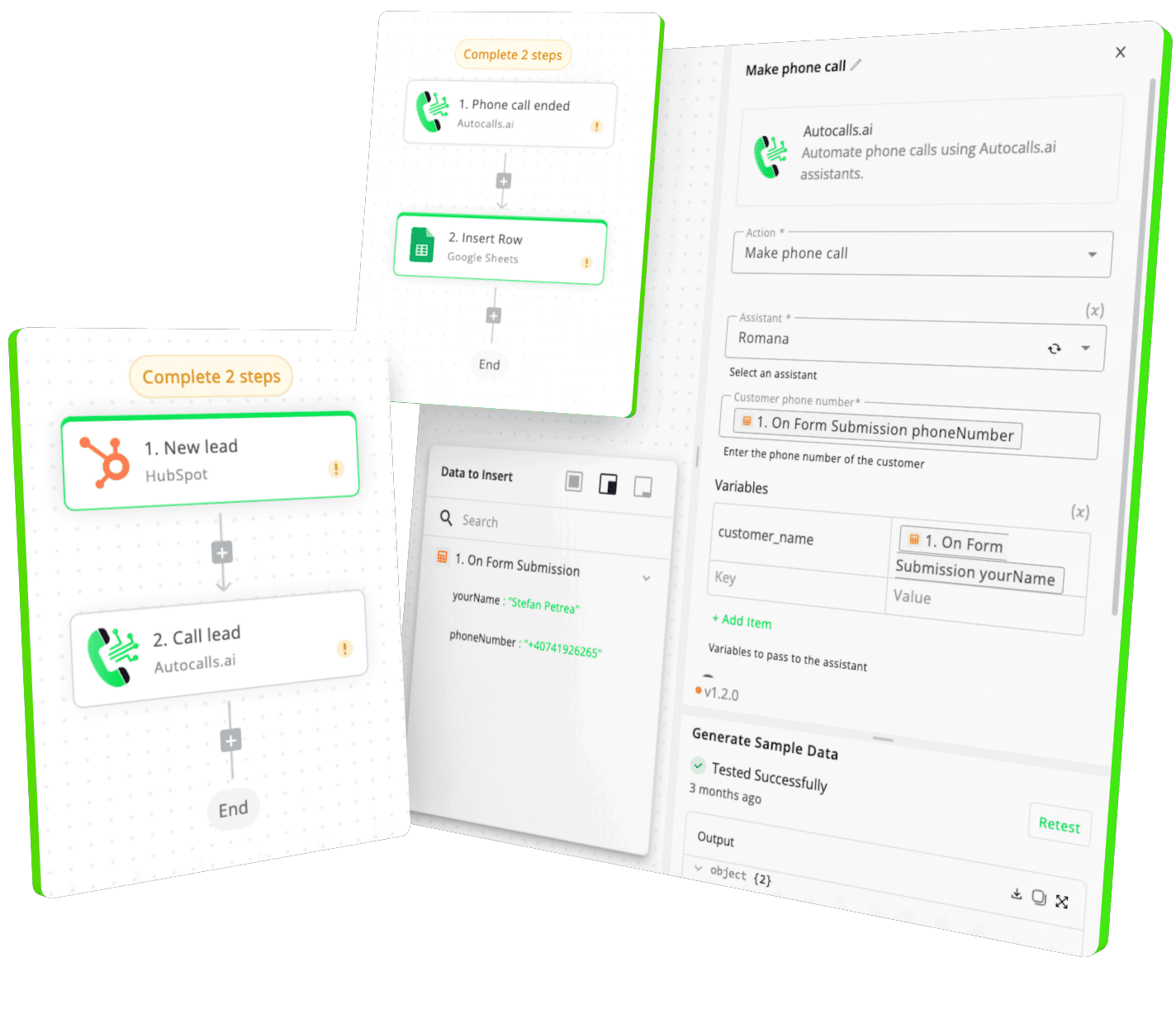
Integrate with popular tools such as HubSpot, GoHighLevel, Zoho, Cal.com & +250 more and build automations using drag and drop.

Autocalls

+250 tools ready to integrate with your AI agents flow in our no-code platform, similar to Zapier or Make.

Autocalls
Similar integrations with HTTP

Frequently Asked Questions 👍

Have a question that is not answered? You can contact us at

Have a question? Contact us

An HTTP phone integration lets your AI voice agent send HTTP requests during or after calls and use the response in real time. That means your phone system can fetch data, update records, and trigger actions automatically without extra manual work.

An HTTP auto dialer can use live request data to decide who to call, when to call, and what context the AI agent should use. This helps teams increase contact quality, reduce wasted calls, and run smarter outbound campaigns.

Yes, HTTP works well with an HTTP AI dialer because the agent can send a request and react to the response while the conversation is happening. You can use it for qualification, routing, verification, and personalized outreach.

HTTP phone automation reduces repetitive work by sending and receiving data automatically during call flows. Your team spends less time switching tools and more time focusing on higher-value conversations.

HTTP call automation can handle tasks like looking up customer details, updating CRMs, creating tickets, logging outcomes, and triggering follow-up actions. It is especially useful when your AI agent needs to connect call activity with other business systems.

Yes, an HTTP voice agent can send a request during the call and use the returned data to guide the conversation. This makes responses more accurate, improves routing, and supports better customer experiences.

image image image

Ready to integrate HTTP with AI voice calling agents?

Join thousands of businesses already automating their phone calls with our HTTP integration.
You can get your assistant ready in few minutes.

Autocalls