NEW Your $0 → $50K MRR voice AI playbook . The full path to a profitable AI voice agency. Free. Get it free
Trello
Autocalls.ai

Connect Trello with Autocalls.ai AI voice agents

Trello AI Voice Call Automation

Turn Trello cards into live AI conversations and faster follow-ups. Keep teams updated automatically after every call.

Productivity
2 Actions
2 Triggers
Autocalls Autocalls
Trello phone integration for faster team action
Smart Sync

Trello phone integration for faster team action

Connect new Trello cards to AI outbound calls so your team can respond the moment work is created.
Use it for lead capture, support queues, or appointment booking while keeping every task organized for your AI call center automation workflow.

  • 50% faster first response
  • 100% card-to-call tracking
Trello auto dialer that triggers from board activity
Auto Dialer

Trello auto dialer that triggers from board activity

When a card is added or moved to a priority list, your AI agent can instantly place the right call without manual dialing.
This helps sales and support teams reduce delays, qualify requests faster, and connect Trello with an AI cold calling or AI answering service setup.

  • 3x faster outbound follow-up
  • 90% fewer manual call tasks
Trello call automation with clear task visibility
Call Updates

Trello call automation with clear task visibility

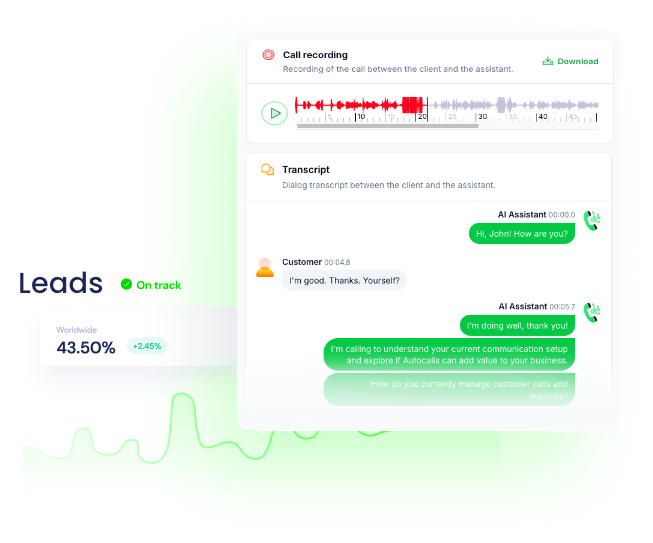
Create Trello cards automatically after AI calls so every conversation becomes an actionable task for your team.
That means fewer missed handoffs, better accountability, and cleaner workflows across your integrations and AI virtual receptionist processes.

  • 95% cleaner handoff accuracy
  • 2x better team visibility

Available Actions

Powerful actions you can trigger with Trello to automate your workflows

Get Card

Get a card in Trello

Configuration Fields:
Card ID Required SHORT_TEXT

The card ID

Create Card

Create a new card in Trello

Configuration Fields:
Connection Required BASIC_AUTH

To obtain your API key and token, follow these steps: 1. Go to https://trello.com/power-ups/admin 2. Click **New** to create a new power-up 3. Enter power-up information, and click **Create** 4. From the API Key page, click **Generate a new API key** 5. Copy **API Key** and enter it into the Trello API Key connection 6. Click **manually generate a Token** next to the API key field 7. Copy the token and paste it into the Trello Token connection 8. Your connection should now work!

Task Name Required SHORT_TEXT

The name of the card to create

Labels MULTI_SELECT_DROPDOWN

Assign labels to the card

Lists Required DROPDOWN

Get lists from a board

Boards Required DROPDOWN

List of boards

Position STATIC_DROPDOWN

Place the card on top or bottom of the list

Task Description LONG_TEXT

The description of the card to create

Autocalls Autocalls

Available Triggers

Events in Trello that can automatically start your workflows

New Card

Trigger when a new card is created

Configuration Fields:
Boards Required DROPDOWN

List of boards

Lists DROPDOWN

Get lists from a board

Card Moved to list

Trigger when a card is moved to the list specified

Configuration Fields:
Lists Required DROPDOWN

Get lists from a board

Boards Required DROPDOWN

List of boards

Autocalls Autocalls

Examples of automation flows

Real-world examples of how businesses use Trello integration to automate workflows

Call new leads from fresh cards

When a new Trello card is created, an AI agent starts outreach right away. Your team reaches leads sooner and reduces response lag.

Priority list triggers instant callbacks

Move a card into a hot list and the AI agent calls automatically. Urgent opportunities get attention before they go cold.

Create Trello tasks after every call

After an AI conversation, a new Trello card can be created for follow-up work. Teams get a clear next step without manual admin.

Route support requests into call queues

New support cards can trigger an AI phone response for faster customer contact. This helps reduce wait time and keeps boards current.

Turn board movement into sales action

When a card moves to a qualified list, the AI agent calls the prospect automatically. Reps spend less time sorting and more time closing.

Check card details before calling

Use Trello card data to guide the AI conversation with the right context. Calls feel more relevant and teams avoid duplicate outreach.

Integrate with popular tools using our no-code platform

Easily manage AI voice agents without the need for programming skills.

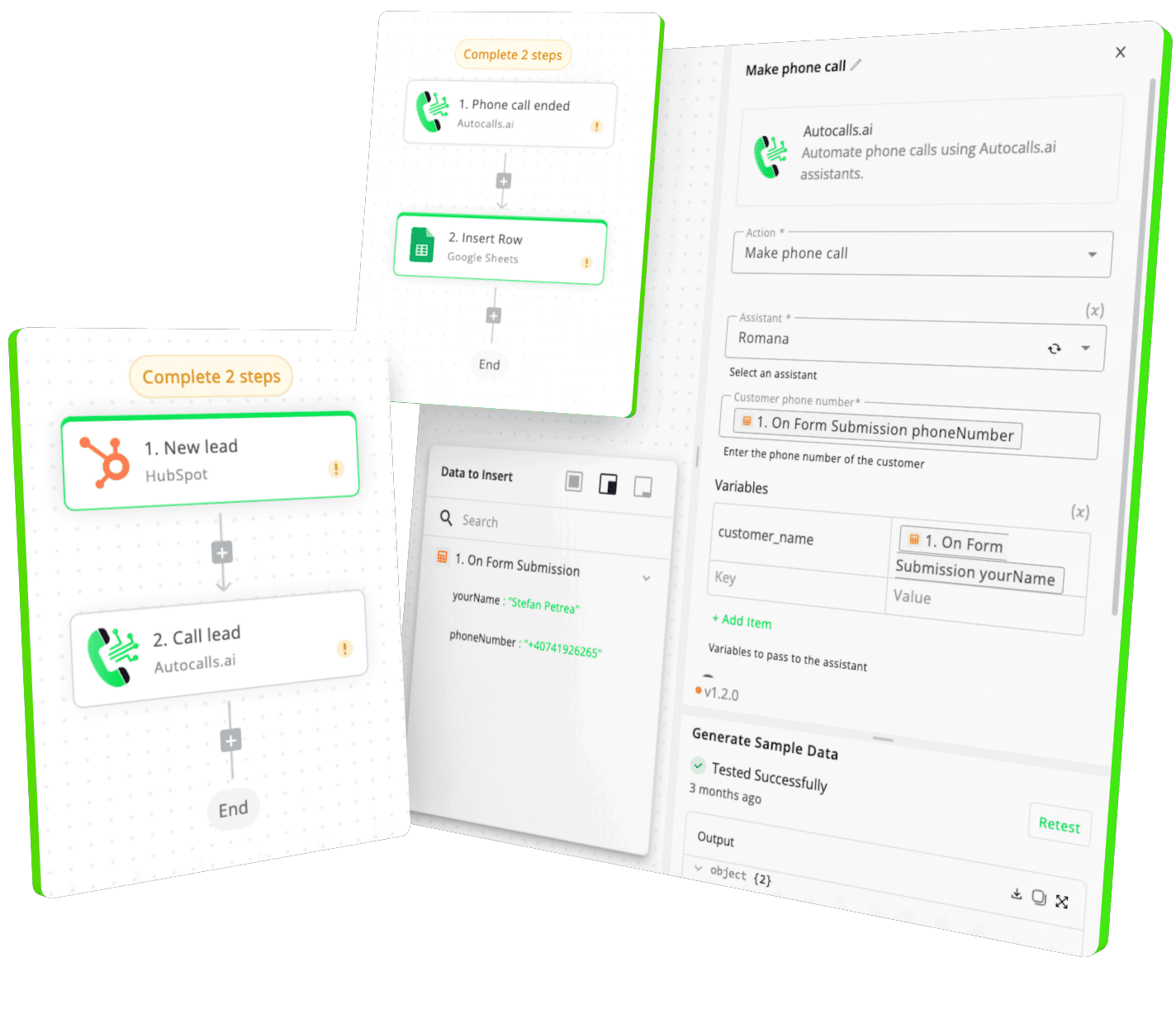
Integrate with popular tools such as HubSpot, GoHighLevel, Zoho, Cal.com & +250 more and build automations using drag and drop.

Autocalls

+250 tools ready to integrate with your AI agents flow in our no-code platform, similar to Zapier or Make.

Autocalls
Similar integrations with Trello

Frequently Asked Questions 👍

Have a question that is not answered? You can contact us at

Have a question? Contact us

A Trello phone integration connects your Trello board activity with AI voice calls. When a new card is created or moved to a selected list, your AI agent can call automatically or create a Trello card after the conversation.

A Trello auto dialer uses triggers like New Card or Card Moved to List to start calls based on board activity. This helps teams respond faster without manually checking Trello and dialing each contact.

Yes, a Trello AI dialer is a strong fit for lead follow-up. New leads added as cards can trigger immediate outbound calls, helping your team qualify interest while response intent is still high.

Trello phone automation can start calls from new cards, trigger outreach when cards move to specific lists, and create fresh Trello cards after calls. It turns board updates into real actions that your team can track.

Trello call automation removes delays and repetitive work from outbound calling. Instead of relying on someone to spot a card and make a call, the AI agent responds instantly and keeps the process consistent.

Yes, a Trello voice agent can create a new Trello card after a completed conversation so your team has a clear follow-up task. This makes handoffs easier and keeps every customer interaction visible inside your board.

No, most teams can set this up through Autocalls' no-code workflow builder without handling the Trello API directly. You can connect triggers and actions visually, then launch AI calls much faster.

image image image

Ready to integrate Trello with AI voice calling agents?

Join thousands of businesses already automating their phone calls with our Trello integration.
You can get your assistant ready in few minutes.

Autocalls