NEW Your $0 → $50K MRR voice AI playbook . The full path to a profitable AI voice agency. Free. Get it free
Microsoft Teams
Autocalls.ai

Connect Microsoft Teams with Autocalls.ai AI voice agents

Microsoft Teams AI Voice Call Automation

Turn every AI call into instant team action inside Microsoft Teams. Share updates, route outcomes, and keep sales and support aligned in real time.

Business intelligence
4 Actions
Autocalls Autocalls
Microsoft Teams phone integration for faster team follow-up
Smart Updates

Microsoft Teams phone integration for faster team follow-up

Send call summaries, lead status changes, and urgent outcomes straight into Teams chats and channels after every AI conversation.
Your team can act faster on appointment booking requests and support escalations tied to your AI call center automation workflows.

  • 60% faster internal response
  • 90% fewer missed handoffs
Run Microsoft Teams auto dialer and call automation workflows
Auto Dialer

Run Microsoft Teams auto dialer and call automation workflows

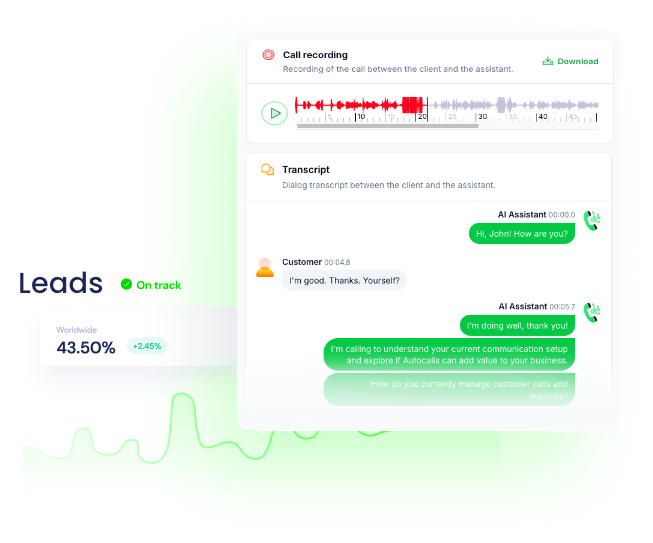
Use AI voice agents to place outbound calls, then post results into the right Teams channel so reps and managers see outcomes instantly.
This helps teams improve follow-up speed for AI cold calling campaigns and route booked callbacks into AI virtual receptionist workflows.

  • 45% faster lead response
  • 3x more visible call outcomes
Turn call automation into clear Microsoft Teams communication
Channel Sync

Turn call automation into clear Microsoft Teams communication

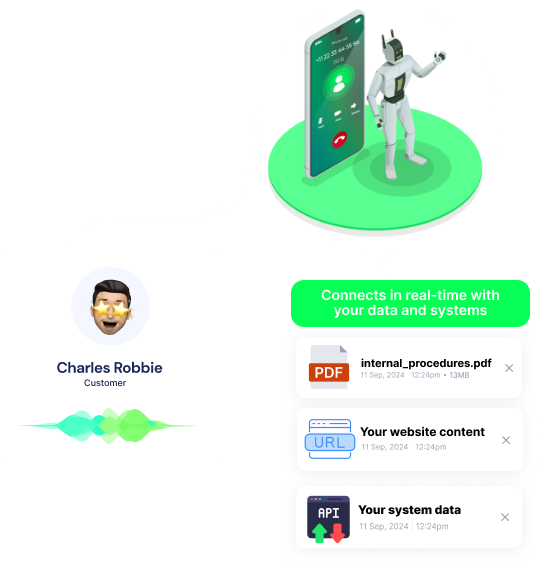
Create dedicated Teams channels for campaigns, regions, or service queues, then let AI agents push the right message to the right group automatically.
That gives operations a cleaner view of activity across integrations while scaling multilingual outreach with support for more languages.

  • 70% better team visibility
  • 50% less manual updating

Available Actions

Powerful actions you can trigger with Microsoft Teams to automate your workflows

Custom API Call

Send a custom API call to a specific endpoint

Configuration Fields:
Required DYNAMIC
Body JSON
Method Required STATIC_DROPDOWN
Headers Required OBJECT

Authorization headers are injected automatically from your connection.

Timeout (in seconds) NUMBER
No Error on Failure CHECKBOX
Query Parameters Required OBJECT

Create Channel

Create a new channel in Microsoft Teams.

Configuration Fields:
Connection Required OAUTH2
Team ID Required DROPDOWN
Channel Description LONG_TEXT
Channel Name Required SHORT_TEXT

Send Chat Message

Sends a message in an existing chat.

Configuration Fields:
Connection Required OAUTH2
Chat ID Required DROPDOWN
Message Required LONG_TEXT
Content Type Required STATIC_DROPDOWN

Send Channel Message

Sends a message to a teams's channel.

Configuration Fields:
Team ID Required DROPDOWN
Message Required LONG_TEXT
Channel ID Required DROPDOWN
Content Type Required STATIC_DROPDOWN
Autocalls Autocalls

Examples of automation flows

Real-world examples of how businesses use Microsoft Teams integration to automate workflows

Post every call result to Teams

After an AI call ends, the system sends a channel message with the outcome and next step. Sales and support teams know what happened without checking another tool.

Send urgent lead alerts in chat

When a high-intent prospect asks for a callback, a Teams chat message is sent to the assigned rep. This helps your team respond while interest is still high.

Create channels for new campaigns

When a new outbound campaign starts, a Microsoft Teams channel is created automatically. Managers get one place to track call automation activity and results.

Share booking confirmations instantly

If the AI agent books an appointment, Teams receives a message with the date, time, and contact details. Staff can prepare faster and reduce scheduling errors.

Push custom API updates to Teams

Use a custom API call to send structured call data into your Teams workflow. This gives operations teams cleaner reporting and more control over message formatting.

Route support outcomes to the right team

After a support call, the AI agent posts the summary in the relevant Teams channel. That keeps handoffs clear and helps agents resolve issues faster.

Integrate with popular tools using our no-code platform

Easily manage AI voice agents without the need for programming skills.

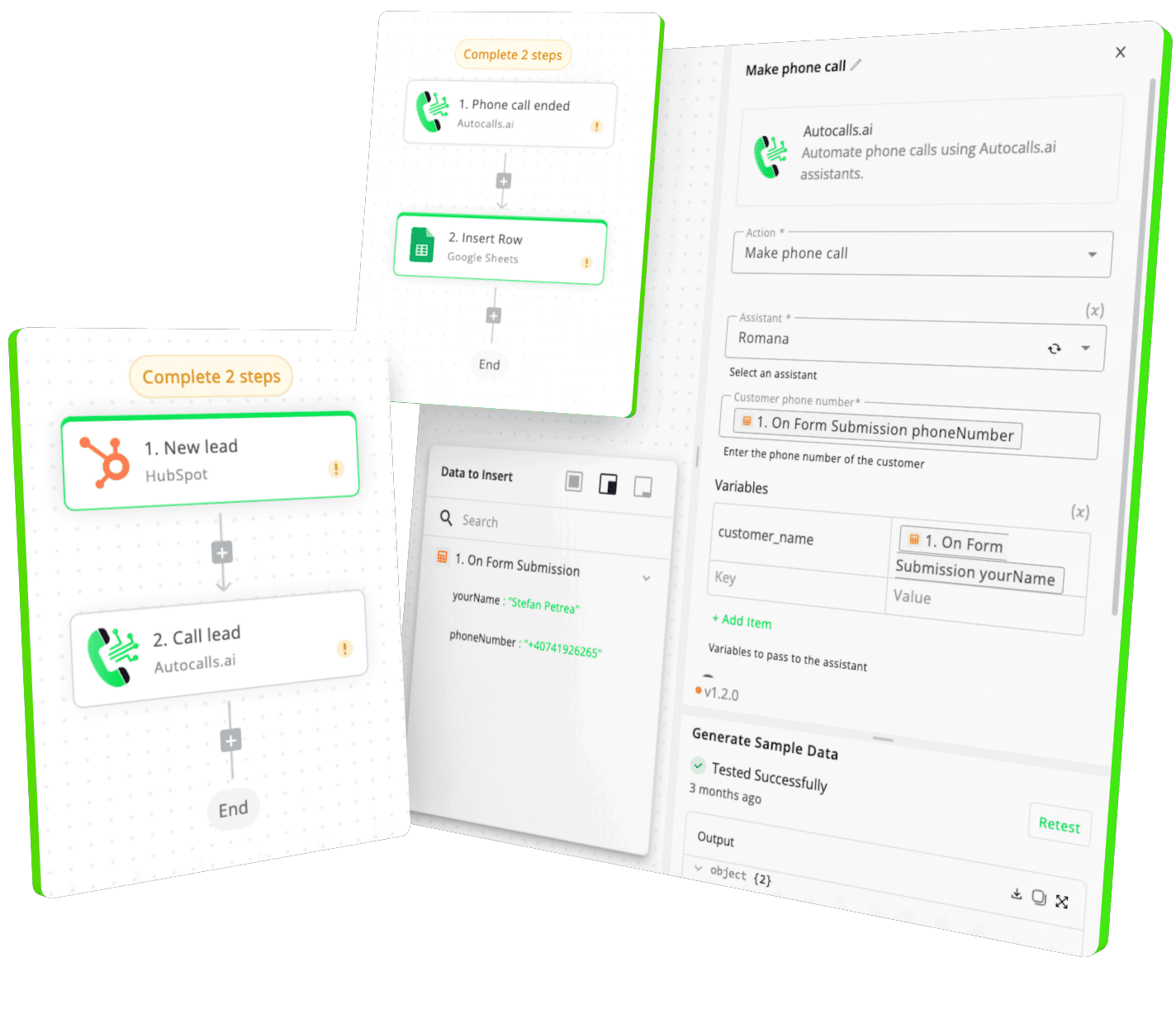
Integrate with popular tools such as HubSpot, GoHighLevel, Zoho, Cal.com & +250 more and build automations using drag and drop.

Autocalls

+250 tools ready to integrate with your AI agents flow in our no-code platform, similar to Zapier or Make.

Autocalls
Similar integrations with Microsoft Teams

Frequently Asked Questions 👍

Have a question that is not answered? You can contact us at

Have a question? Contact us

A Microsoft Teams phone integration connects your AI calling workflows to Teams so messages, updates, and call outcomes appear where your staff already works. With Autocalls, you can send chat messages, channel messages, and even create channels automatically after AI phone conversations.

Yes, Autocalls can support Microsoft Teams auto dialer workflows by running outbound AI calls and pushing results into Teams in real time. This is useful for sales follow-ups, reminders, and campaign visibility without manual status updates.

A Microsoft Teams AI dialer helps your team move faster by combining automated calls with instant internal communication. After each call, your reps can receive a Teams message with outcomes, next actions, and priority leads.

Microsoft Teams phone automation can handle post-call alerts, appointment confirmations, support escalations, and campaign updates. You can also create new channels automatically to organize outreach by team, location, or use case.

Microsoft Teams call automation reduces manual admin and speeds up handoffs between AI agents and human teams. Instead of copying notes between systems, your staff gets instant context in Teams so they can act faster.

Yes, a Microsoft Teams voice agent can trigger messages to existing chats and channels after calls are completed. This makes it easier to notify account owners, managers, or support teams the moment something important happens.

image image image

Ready to integrate Microsoft Teams with AI voice calling agents?

Join thousands of businesses already automating their phone calls with our Microsoft Teams integration.
You can get your assistant ready in few minutes.

Autocalls