Connect Google Docs with Autocalls.ai AI voice agents
Turn every call into organized documents your team can use right away. Create, read, and update Google Docs automatically with AI voice agents.
Connect your Google Docs phone integration to AI voice agents so call summaries, outcomes, and customer notes are written into documents automatically after each conversation.
This helps teams move faster on appointment booking and improve handoffs inside AI call center automation workflows without manual admin work.
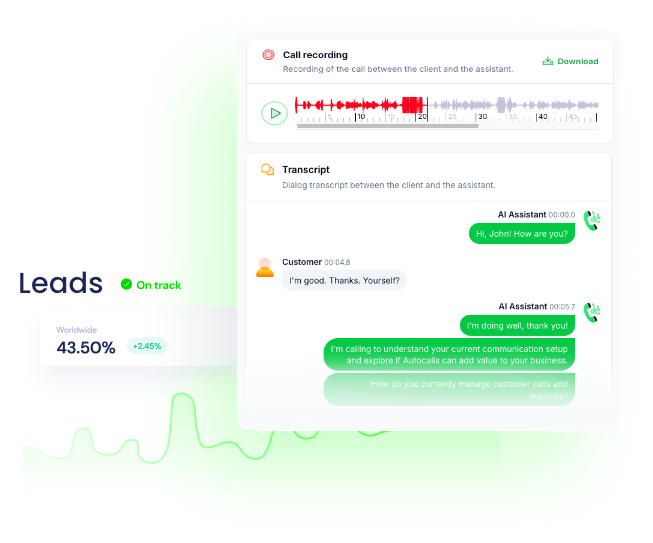
When your AI dialer completes outreach, it can create a new document, append call notes, or edit a template file with the latest customer details and next steps.
This gives sales and service teams a cleaner process for AI cold calling and structured follow-up through an AI answering service setup.
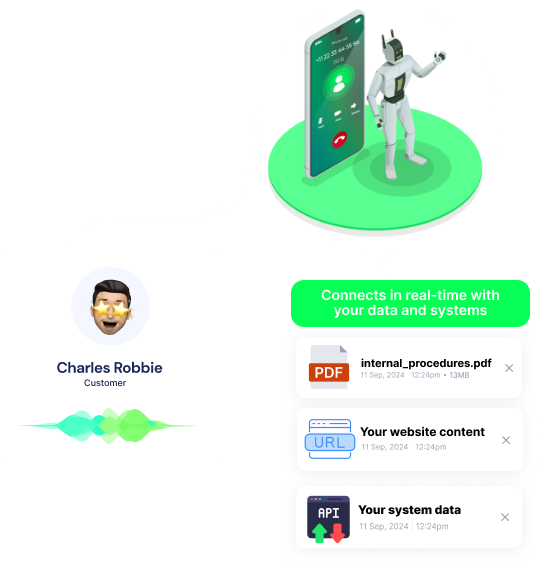
AI voice agents can read existing documents before a call, create new ones for each lead, and append fresh details so every team member sees the latest context in one place.
This improves customer experience for an AI virtual receptionist and supports broader messaging with a WhatsApp AI chatbot strategy.
Get a hands-on experience by trying a free demo call. Fill in your details, and our AI representative will call you instantly.
Try now a free AI call✓ No credit card required ✓ No commitment
Powerful actions you can trigger with Google Docs to automate your workflows
Appends text to google docs
The text to append to the document
The ID of the document to append text to
Read a document from Google Docs
The ID of the document to read
Create a document on Google Docs
Send a custom API call to a specific endpoint
Authorization headers are injected automatically from your connection.
Search for document by name.
Edit a template file and replace the values with the ones provided
Key: Image ID (get it manually from the Read File Action), Value: Image URL
Dont include the "[[]]", only the key name and its value
The ID of the file to replace the values
Real-world examples of how businesses use Google Docs integration to automate workflows
After each AI phone call, a new Google Doc is created with the customer name, outcome, and next step. Your team gets clean records without writing notes by hand.
An AI dialer appends fresh call notes to an existing Google Doc after every conversation. This keeps outreach history updated in one running document.
Before a call starts, the system reads a Google Doc to pull the latest script or policy notes. Agents and automations stay aligned with current messaging.
After a qualified call, the platform edits a Google Docs template with customer details and service information. Your team can send polished documents faster.
The system searches Google Docs by document name to pull the right reference file for a customer case. This helps support teams answer faster with better context.
Custom API calls let your Google Docs call automation fit unique document rules or internal systems. You can build flexible voice workflows without adding manual steps.
Easily manage AI voice agents without the need for programming skills.
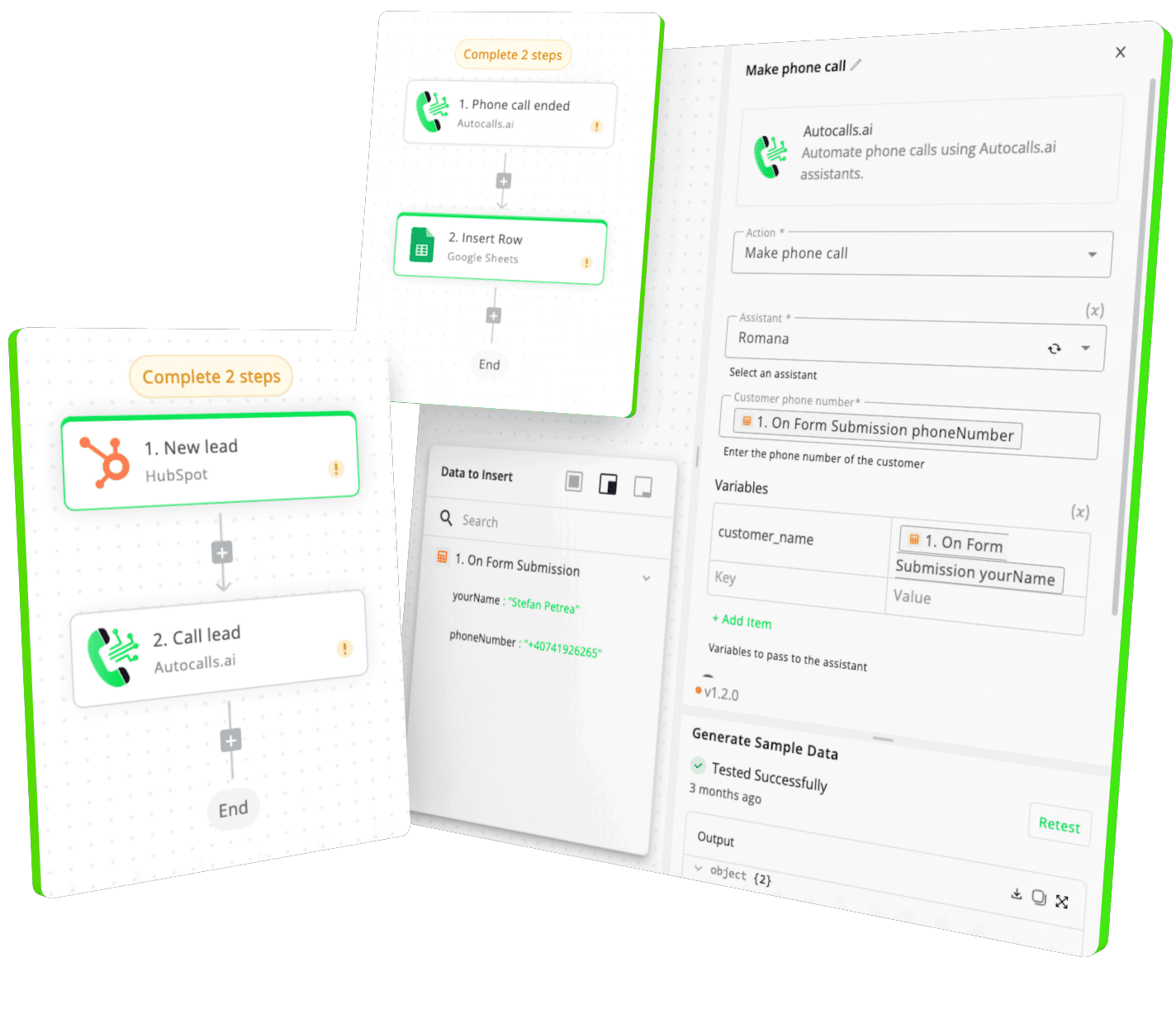
Integrate with popular tools such as HubSpot, GoHighLevel, Zoho, Cal.com & +250 more and build automations using drag and drop.
+250 tools ready to integrate with your AI agents flow in our no-code platform, similar to Zapier or Make.
Have a question that is not answered? You can contact us at
Have a question? Contact usGoogle Docs phone integration lets your AI voice agent create, read, and update documents automatically during or after calls. That means call summaries, follow-up notes, and customer records stay organized without extra admin work.
Yes. A Google Docs auto dialer workflow can log each call result into a document, append new notes, or generate a follow-up file from a template. This is useful for outreach teams that want a clear record of every conversation.
A Google Docs AI dialer can create a new document, append text to an existing one, search for a document by name, or update a template with call details. It helps teams keep documentation current without relying on manual note entry.
Yes, Google Docs phone automation works well for both. It can document booked appointments, store support call summaries, and keep a running history that your team can review before the next conversation.
Google Docs call automation reduces repetitive admin tasks after every call. By automatically creating and updating documents, your team spends more time on customers and less time on data entry.
Yes. A Google Docs voice agent can read an existing document before or during a call to pull scripts, account notes, or service instructions. This helps the conversation stay accurate and relevant.
Yes, custom API calls make it possible to support more advanced Google Docs workflows. If you need custom document logic, internal routing, or specialized formatting, you can extend the integration to match your process.
Join thousands of businesses already automating their phone calls with our
Google Docs integration.
You can get your assistant ready in few minutes.
The full path forward. Strategy, scripts, pricing, and the operating cadence agencies use to scale a white-label voice AI business. Free PDF, delivered to your inbox.