Connect Gmail with Autocalls.ai AI voice agents
Turn new emails into instant AI calls, replies, and follow-ups. Connect Gmail to your voice agent and respond faster without manual work.
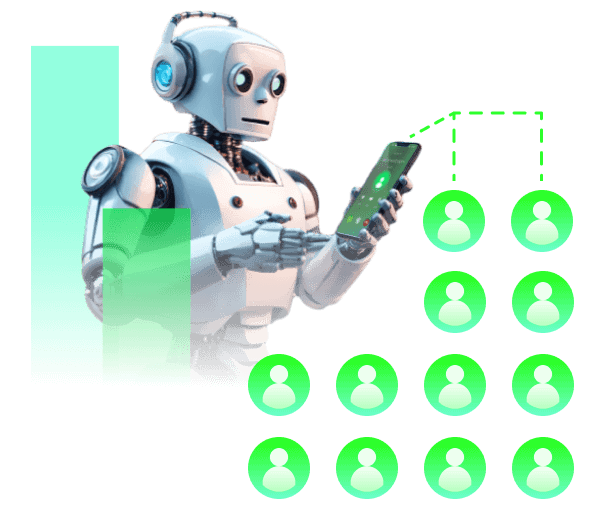
When a new email lands in Gmail, your AI voice agent can instantly start call automation for leads, support requests, or urgent follow-ups.
Use it to speed up appointment booking and connect inbox activity with AI answering service workflows.
Your team can use Gmail triggers to launch outbound calls the moment a prospect replies, asks for pricing, or requests a callback.
This gives you practical phone integration for sales and support while reducing delays in AI cold calling and AI call center automation campaigns.
After each AI phone conversation, the system can send a Gmail email automatically so every lead gets a recap, next step, or confirmation without extra admin work.
It is ideal for ongoing AI virtual receptionist tasks and multilingual outreach powered by supported languages.
Get a hands-on experience by trying a free demo call. Fill in your details, and our AI representative will call you instantly.
Try now a free AI call✓ No credit card required ✓ No commitment
Powerful actions you can trigger with Gmail to automate your workflows
Send an email through a Gmail account
Body for the email you want to send
Create draft without sending the actual email
Email address to set as the "Reply-To" header
File to attach to the email you want to send
Reply to this Message-ID
In case you want to change the name of the attachment
Make a custom API call to a specific endpoint
Authorization headers are injected automatically from your connection.
Events in Gmail that can automatically start your workflows
Triggers when new mail is found in your Gmail inbox
Optional filteration, leave empty to filter based on the email recipient
Optional filteration, leave empty to filter based on the email sender
Optional filteration, leave unselected to filter based on the email label
The email subject
Optional filteration, leave unselected to filter based on the email category
Real-world examples of how businesses use Gmail integration to automate workflows
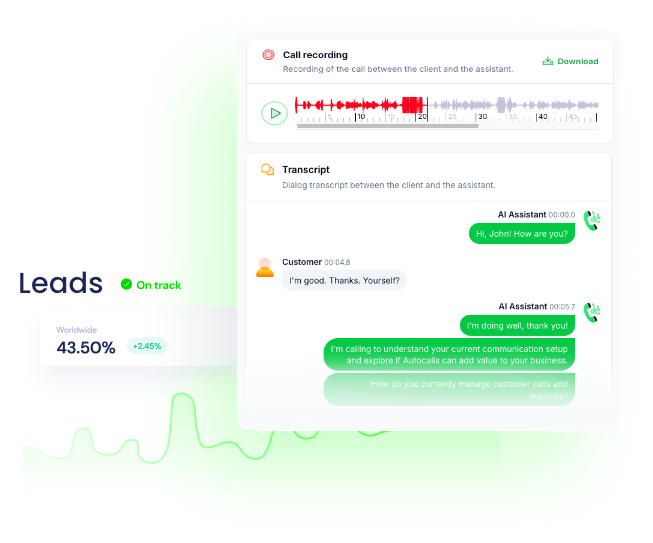
A new Gmail inbox message can trigger an AI voice agent to call the sender right away. This helps you contact hot leads while intent is highest.
When a customer sends a new support email, the AI agent places a phone call to gather details faster. Your team gets quicker resolution without long email threads.
After an AI phone call ends, Gmail can automatically send a summary email to the contact. This keeps next steps clear and cuts manual admin work.
A new Gmail message requesting pricing can launch an AI outbound call within minutes. Sales teams respond faster and reduce lead drop-off.
If a new email arrives after hours, the AI voice agent can follow up by phone automatically. This helps businesses stay responsive around the clock.
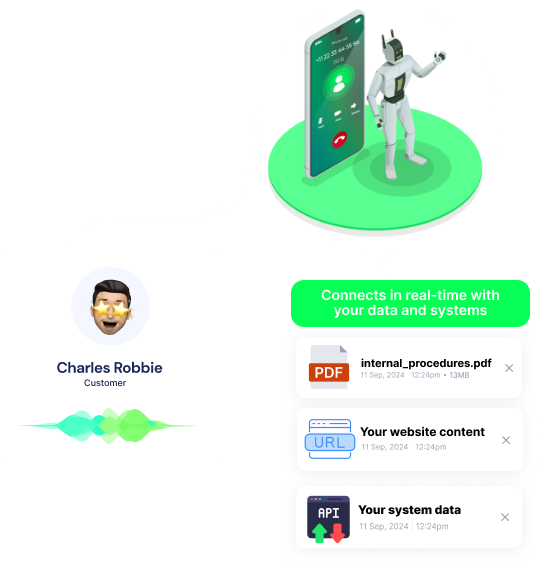
Use a custom API call to connect Gmail events to tailored call logic and routing rules. This gives your business more control over high-value conversations.
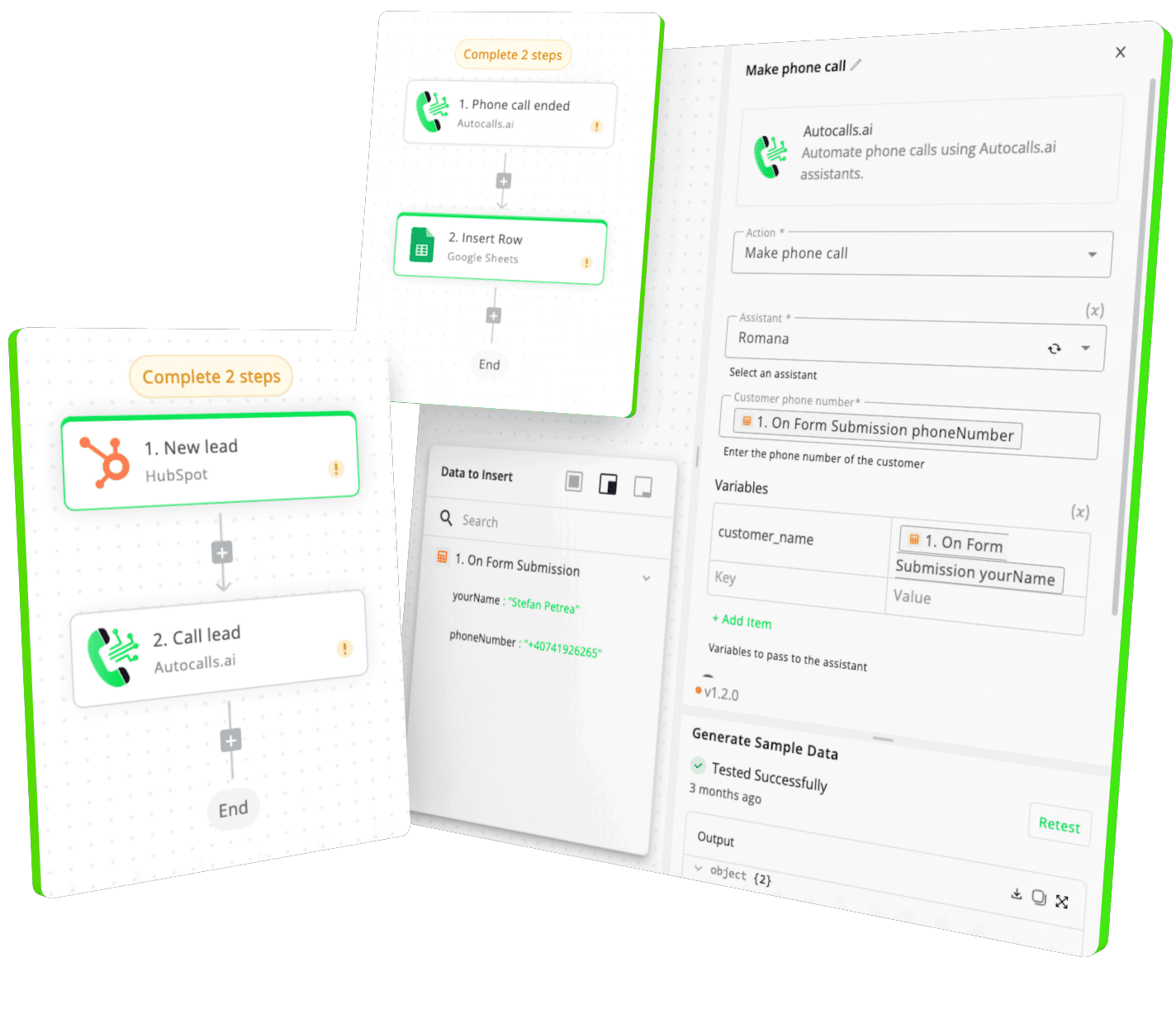
Easily manage AI voice agents without the need for programming skills.
Integrate with popular tools such as HubSpot, GoHighLevel, Zoho, Cal.com & +250 more and build automations using drag and drop.
+250 tools ready to integrate with your AI agents flow in our no-code platform, similar to Zapier or Make.
Have a question that is not answered? You can contact us at
Have a question? Contact usGmail phone integration connects your inbox to AI calling workflows so new emails can trigger phone outreach or follow-up actions. It helps sales and support teams respond faster without manually checking and calling each contact.
A Gmail auto dialer uses a new email trigger to start an outbound AI phone call automatically. This is useful when a prospect requests a callback, replies to a campaign, or sends a high-intent inquiry.
Yes. A Gmail AI dialer can react to inbound emails and launch outbound calls, then send a Gmail message after the conversation ends. That creates a tighter follow-up loop with less manual work.
Gmail phone automation removes the delay between receiving an email and contacting the sender. Instead of waiting for an agent to notice and respond, your AI voice agent can act instantly.
Gmail call automation can send recap emails, confirmations, or next-step messages after a call. This keeps communication consistent and helps teams avoid missed follow-ups.
Yes. With the Send Email action, your Gmail voice agent can send follow-up emails automatically after calls or workflows. It can also use inbox triggers to decide when a phone conversation should start.
Yes. The Custom API Call action lets you build more advanced Gmail API workflows around specific endpoints and business logic. That is useful for custom routing, internal systems, or specialized automation rules.
Join thousands of businesses already automating their phone calls with our
Gmail integration.
You can get your assistant ready in few minutes.
The full path forward. Strategy, scripts, pricing, and the operating cadence agencies use to scale a white-label voice AI business. Free PDF, delivered to your inbox.