Connect Azure Communication Services with Autocalls.ai AI voice agents
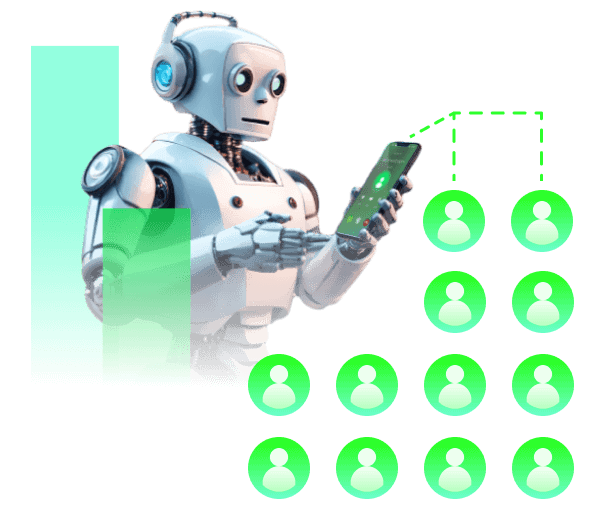
Connect Azure Communication Services with AI voice agents to automate outreach and email follow-ups. Turn every call into a faster, more organized customer journey.
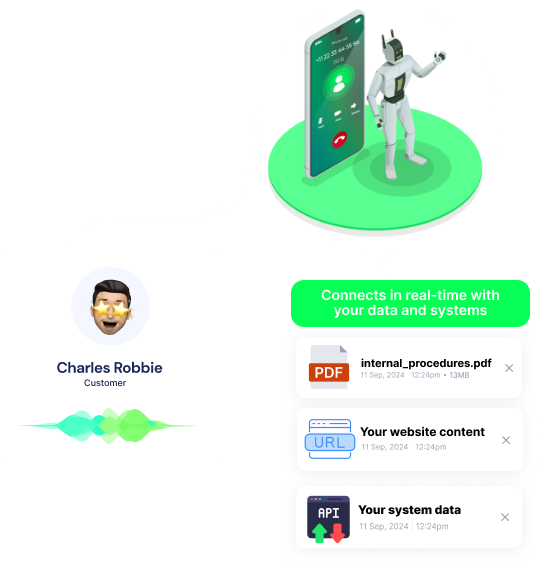
Connect AI calling workflows with Azure Communication Services so every completed conversation can trigger a timely email without manual work.
Use this setup to support appointment booking flows and strengthen your AI call center automation process with cleaner handoffs.
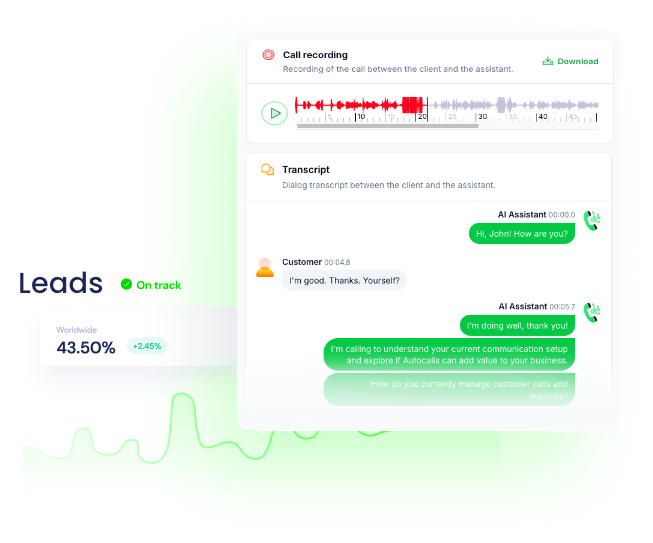
After an AI voice conversation, automatically send confirmation emails, next steps, or summaries through Azure Communication Services to keep momentum high.
This helps teams scale outbound campaigns, improve contact rates, and pair AI cold calling with a stronger WhatsApp AI chatbot follow-up strategy.
When AI voice agents qualify a caller, Azure Communication Services can send the right email instantly, helping sales and support teams respond with context.
It is a practical way to improve your AI answering service and support a polished AI virtual receptionist experience.
Get a hands-on experience by trying a free demo call. Fill in your details, and our AI representative will call you instantly.
Try now a free AI call✓ No credit card required ✓ No commitment
Powerful actions you can trigger with Azure Communication Services to automate your workflows
Send a text or HTML email
List of emails in cc
Emails of the recipients
List of emails in bcc
Sender email
HTML is only allowed if you selected HTML as type
Email to receive replies on (defaults to sender)
Real-world examples of how businesses use Azure Communication Services integration to automate workflows
Your AI voice agent finishes a qualification call and sends a personalized recap email through Azure Communication Services. Prospects get clear next steps while your team saves time.
After an AI phone conversation secures an appointment, Azure Communication Services sends a confirmation email instantly. Customers receive the details without waiting for staff follow-up.
An AI dialer speaks with a lead and confirms interest in your offer. Azure Communication Services then sends a quote or pricing summary right away.
When an AI voice agent resolves or escalates a support call, the customer receives an email summary automatically. This reduces repeat questions and keeps communication organized.
If a call ends before the prospect is ready to commit, your workflow can still send a useful follow-up email. This keeps the conversation alive without extra manual outreach.
An AI phone agent confirms payment details during a collection call. Azure Communication Services then sends a reminder or confirmation email to reinforce the conversation.
Easily manage AI voice agents without the need for programming skills.
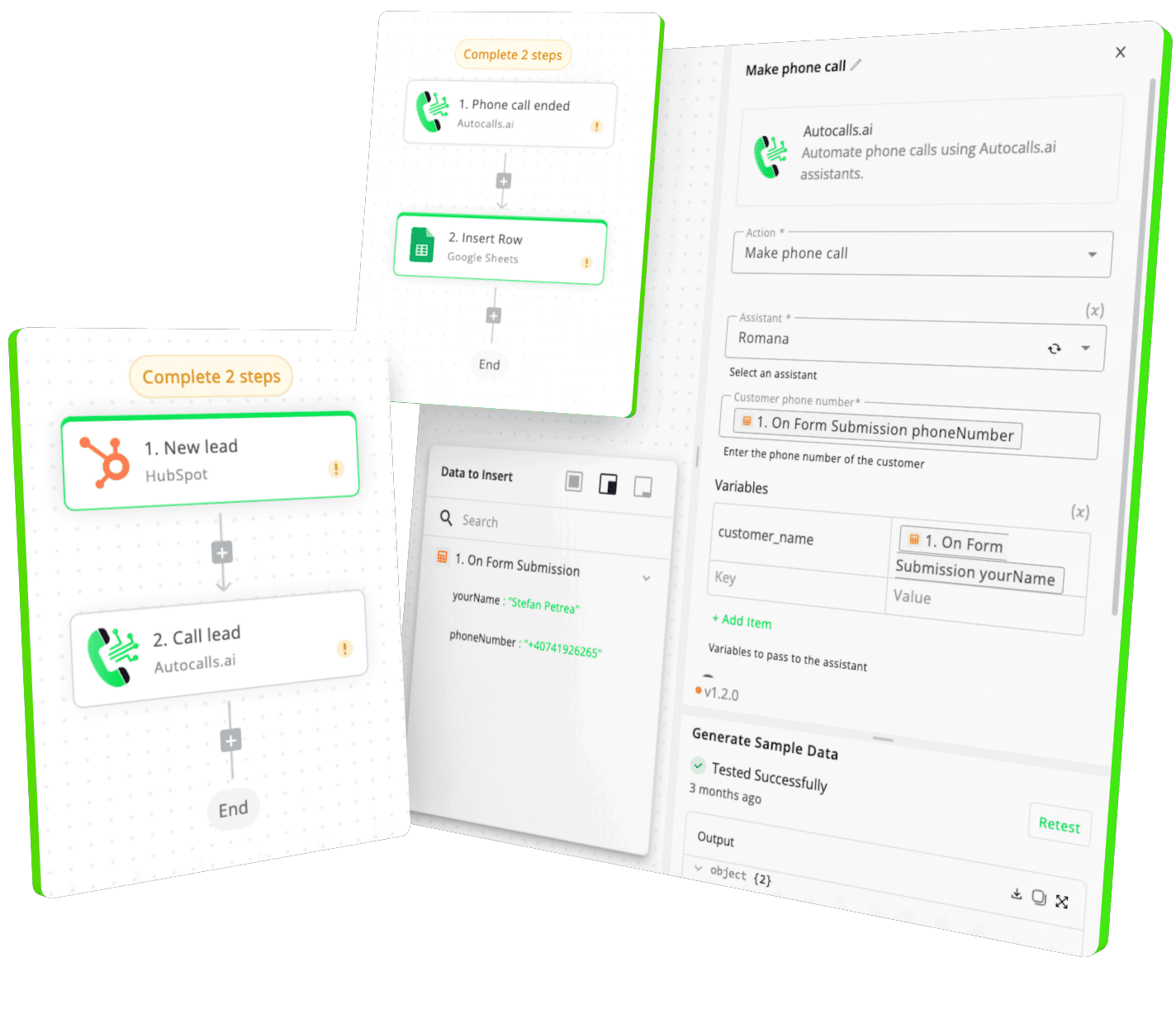
Integrate with popular tools such as HubSpot, GoHighLevel, Zoho, Cal.com & +250 more and build automations using drag and drop.
+250 tools ready to integrate with your AI agents flow in our no-code platform, similar to Zapier or Make.
Have a question that is not answered? You can contact us at
Have a question? Contact usAzure Communication Services phone integration connects your AI calling workflows with Azure's email capability so follow-ups happen automatically after voice conversations. It helps teams reduce manual work, respond faster, and keep customer communication consistent.
Yes, you can use Autocalls to run AI outbound calling workflows and pair them with Azure Communication Services for automated email follow-up. This is useful for sales, reminders, support updates, and post-call summaries.
Azure Communication Services AI dialer automation helps your team turn completed calls into immediate action by sending emails right after the conversation. That means faster response times, better lead nurturing, and fewer dropped opportunities.
Yes, Azure Communication Services phone automation works well for sending confirmation emails, appointment details, payment reminders, and follow-up notes after AI calls. It gives customers clear information while reducing repetitive admin work for your team.
Azure Communication Services call automation supports the post-call part of your workflow by sending text or HTML emails after your AI agent completes a conversation. This makes every call more useful because the next step happens automatically.
Yes, Azure Communication Services voice agent workflows are a strong fit for both sales and support use cases. Sales teams can send quotes and recaps, while support teams can send case summaries, instructions, or follow-up confirmations.
Join thousands of businesses already automating their phone calls with our
Azure Communication Services integration.
You can get your assistant ready in few minutes.
The full path forward. Strategy, scripts, pricing, and the operating cadence agencies use to scale a white-label voice AI business. Free PDF, delivered to your inbox.