How to Build an AI Voice Agent (No-Code Guide 2026)
You don't need to be a developer to build an AI voice agent that answers phone calls, books appointments, and qualifies leads. This guide walks you through the entire process — from choosing a platform to going live with your first agent — without writing a single line of code.
What You Need Before Starting
Building an AI voice agent in 2026 requires surprisingly little:
✅ Required
- An AI voice agent platform account
- A clear use case (receptionist, lead qualifier, etc.)
- Business information (hours, services, FAQs)
- A phone number (most platforms provide one)
🎯 Helpful but optional. AI voice agent platforms
- A scheduling tool (Calendly, Cal.com)
- A CRM (HubSpot, GoHighLevel)
- Sample call scripts or FAQ documents
- Recording of how your current staff answers calls
❌ NOT required
- Programming skills
- AI/ML knowledge
- A development team
- Expensive infrastructure
Time investment: 1–3 hours from signup to a working AI agent that can handle real phone calls. Most of that time is writing your system prompt and testing.
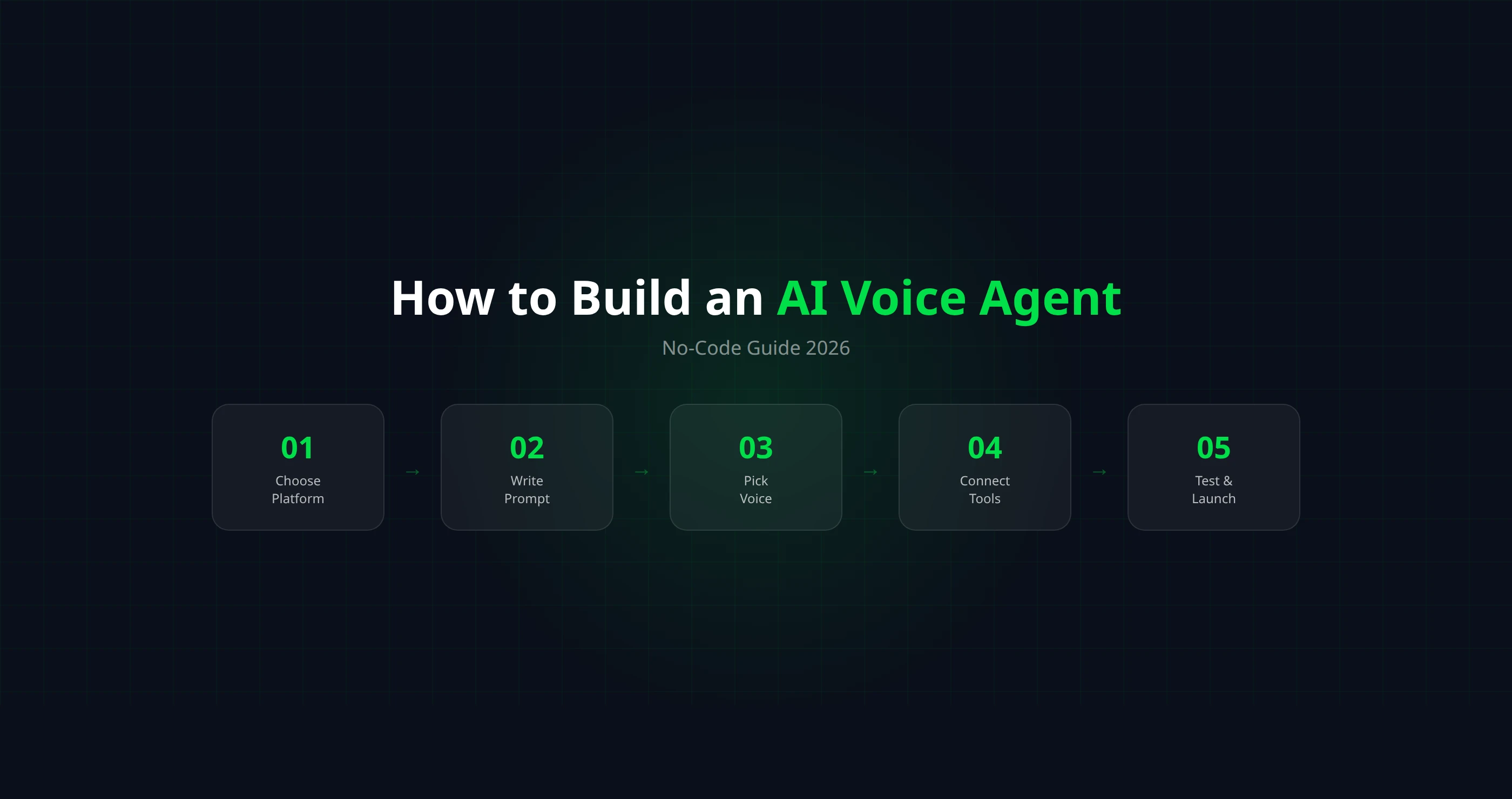
Step 1: Choose Your Platform
Your platform choice determines your capabilities, cost, and ease of use. There are two main approaches:
🟢 No-Code Platforms (Recommended)
Use a visual interface to configure your agent. No programming needed. Best for business owners, agencies, and non-technical teams.
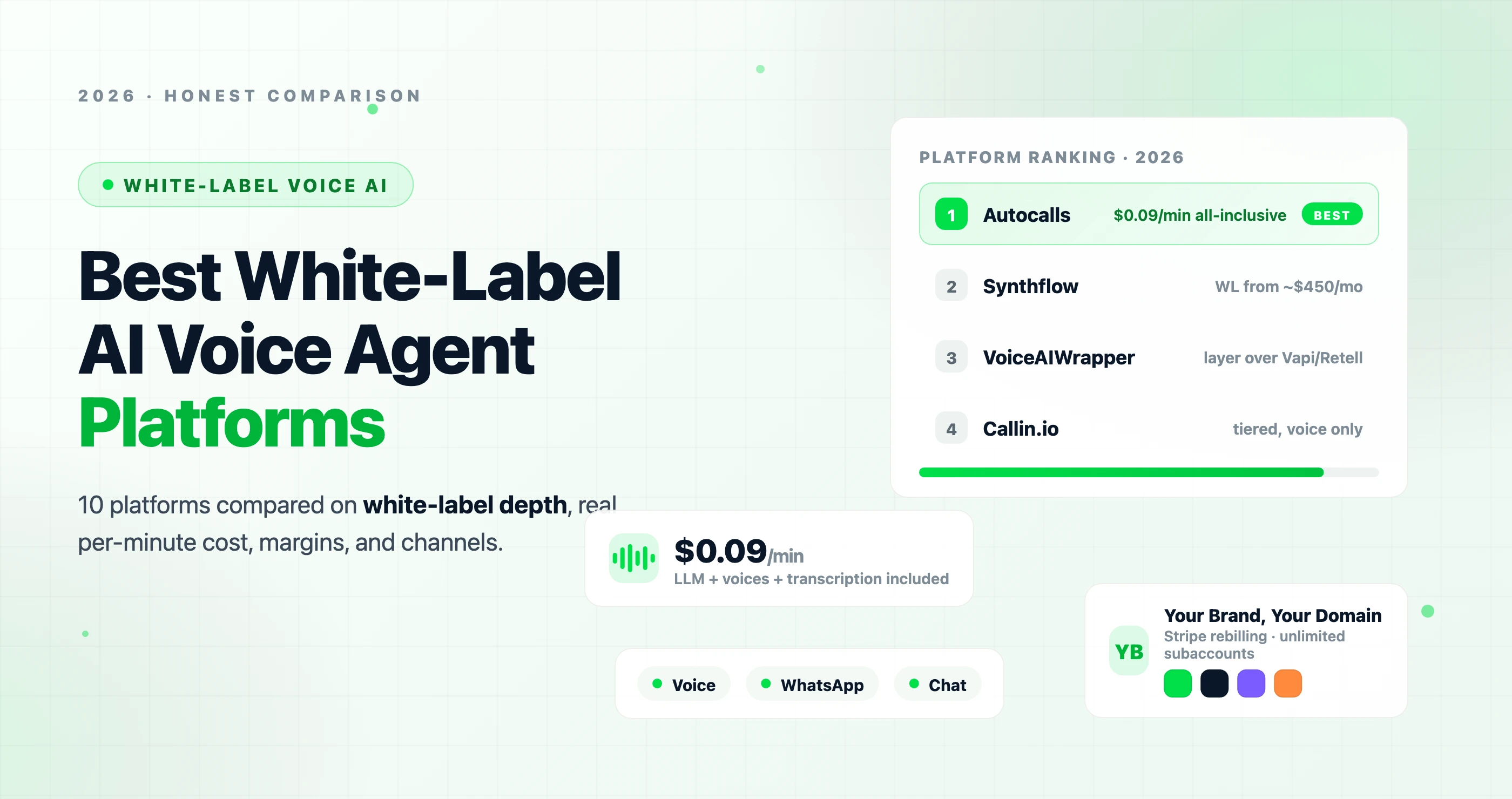
- Autocalls — all-inclusive pricing ($0.09/min), voice + WhatsApp + chat, guided wizard setup
- Synthflow — visual flow designer, strong white-label, BYOK pricing
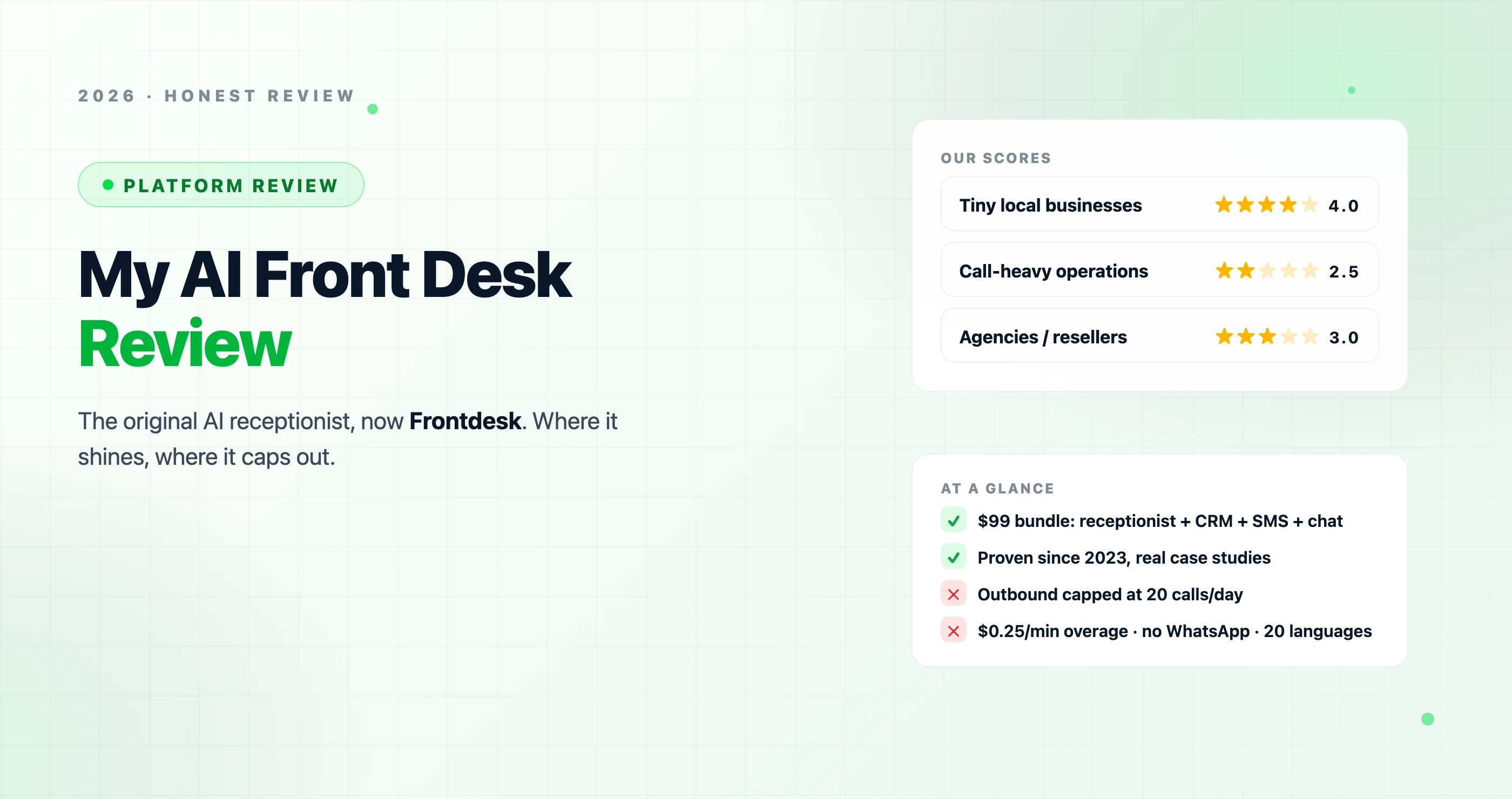
- My AI Front Desk — simple setup, good for solo businesses
🔵 API-First Platforms (For Developers)
Build custom voice agents using APIs. Maximum flexibility, but requires engineering skills. Best for dev teams building custom products.
- Vapi — most flexible API, large developer community
- Retell AI — good API docs, multi-provider voice support
- Bland AI — enterprise telephony, SIP trunking
This guide focuses on the no-code approach. If you're a developer wanting to build via API, check the Autocalls API docs for a developer-focused walkthrough.
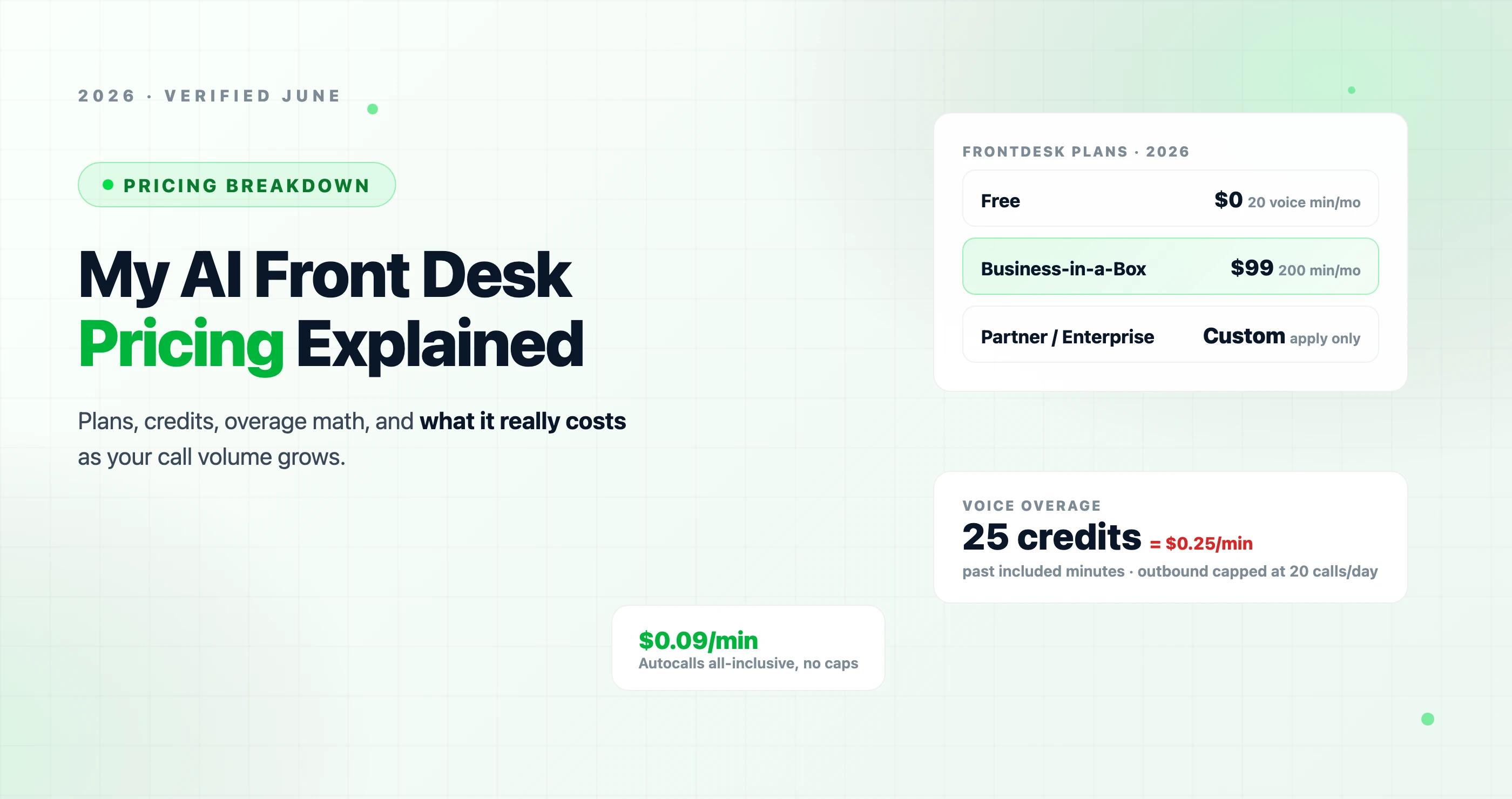
For a detailed comparison of all platforms and their real costs, see our AI voice agent pricing guide.
Step 2: Create Your AI Agent
Once you've signed up for a platform, create a new AI assistant. You'll need to decide:
📞 Call Direction
Inbound — AI answers incoming calls (receptionist, support). Outbound — AI makes calls from a list (lead qualification, reminders, surveys). Most businesses start with inbound.
🧠 AI Model
Most platforms default to GPT-4o mini (fast, affordable) or GPT-4o (smarter, slightly slower). For most use cases, GPT-4o mini is the best balance of speed and intelligence. You can always upgrade later.
🌍 Language
Select the primary language(s) your callers speak. Most platforms support 30+ languages. Some can auto-detect the caller's language and switch dynamically.
Step 3: Write the System Prompt (Most Important Step)
The system prompt is the single most important element of your AI voice agent. It tells the AI who it is, what it knows, and how to behave. A well-written prompt is the difference between a helpful assistant and a frustrating experience.
System Prompt Template
You are a professional receptionist for [BUSINESS NAME], a [TYPE OF BUSINESS] located at [ADDRESS].

BUSINESS HOURS:
- Monday to Friday: 9 AM to 5 PM
- Saturday: 10 AM to 2 PM
- Sunday: Closed

YOUR ROLE:
- Answer questions about our services, hours, and location
- Schedule appointments for callers
- Collect caller information (name, phone number, reason for calling)
- Transfer urgent calls to [PHONE NUMBER]

SERVICES WE OFFER:
- [Service 1]: [Brief description and price range]
- [Service 2]: [Brief description and price range]
- [Service 3]: [Brief description and price range]

RULES:
- Always be friendly, professional, and concise
- Never make up information you don't know — say "Let me have someone from our team follow up on that"
- If the caller has an emergency, transfer them immediately to [NUMBER]
- Confirm appointment details before ending the call
- Ask for the caller's name and phone number early in the conversation

INSURANCE WE ACCEPT: [List if applicable]

THINGS YOU CANNOT DO:
- Give medical/legal/financial advice
- Discuss pricing for services not listed above
- Make promises about outcomes
Prompt Writing Tips
- Be specific. "Be helpful" is vague. "If the caller asks about pricing, share our starting rates and offer to schedule a consultation" is actionable.
- Include edge cases. What should the AI do if the caller speaks a different language? If they're angry? If they ask something off-topic?
- Set boundaries. Tell the AI what it can't do as clearly as what it can. This prevents hallucination and overreach.
- Use natural language. Write as if you're training a new employee — clear, simple instructions in plain language.
- Iterate. Your first prompt won't be perfect. Test, listen to recordings, and refine. Most agents need 3–5 rounds of prompt tuning.
For more on system prompts, see the Autocalls system prompt documentation.
Step 4: Choose a Voice
Voice selection affects how callers perceive your business. Modern platforms offer dozens of voices from providers like ElevenLabs, Cartesia, and OpenAI TTS.
🎯 Voice selection criteria
- Match your brand: Law firm → authoritative. Spa → warm and calm. Tech startup → friendly and energetic.
- Gender: Test both — some callers respond better to specific voices depending on your industry.
- Accent: Match your customer base. US English, UK English, neutral — choose what your callers expect.
- Speed: Most platforms let you adjust speaking speed. Slightly slower = more professional; faster = more casual.
🔊 Voice cloning (advanced)
Some platforms support voice cloning — upload a sample of someone's voice and the AI speaks in that voice. Useful for businesses that want a consistent brand voice, or agencies that want each client's agent to sound unique. Requires a 1–3 minute voice sample.
Pro tip: Don't overthink the voice. Pick one that sounds professional, test a few calls, and move on. You can always change it later. The system prompt matters 10× more than the voice choice.
Step 5: Connect Tools and Integrations
An AI agent that can only talk is limited. The real power comes when you connect it to your business tools:
📅 Appointment Scheduling
Connect Calendly, Cal.com, or GoHighLevel so the AI can check availability and book appointments in real-time during the call. This is the #1 highest-impact integration for most businesses.
📊 CRM Updates
Push caller information (name, phone, reason for calling) to HubSpot, Salesforce, or GoHighLevel via webhooks. Every call automatically becomes a CRM record — no manual data entry.
📱 SMS / Email Notifications
Send your team a text or email after every call with a summary of what happened. Send the caller a confirmation text with appointment details. This works via webhooks or built-in automations.
🔀 Call Transfer
Set rules for when the AI should transfer to a human: emergencies, VIP callers, requests the AI can't handle. A warm transfer with context ("I'm transferring you to Sarah, I've already shared your question") creates a seamless experience.
Start simple: For your first agent, just connect scheduling and notifications. You can add CRM integration and custom webhooks after you've validated the basic setup works well.
Step 6: Set Up Your Phone Number
You have three options for connecting your AI agent to a phone number:
Option A: Get a new number from your platform (Easiest)
Most platforms offer local and toll-free numbers from $3.99/month. Pick a number, assign it to your agent, and it's ready to receive calls immediately. Best for: testing, after-hours lines, new businesses.
Option B: Forward your existing number to the AI
Set up call forwarding from your current business number to the AI agent's number. You can configure this as: always forward, forward after 3 rings (overflow), or forward after hours only. Best for: existing businesses wanting to add AI gradually.
Option C: Port your number (Advanced)
Transfer (port) your existing business number directly to the platform. This gives the AI full control of your main number. Best for: businesses going all-in on AI reception. Note: porting takes 1–5 business days.
Recommendation: Start with Option A or B. Get a separate number for the AI, test it thoroughly, then decide whether to forward your main number or port it. Don't make your main business number the test subject.
Step 7: Test and Iterate
Testing is where good agents become great agents. Here's a systematic approach:
Test Scenario Checklist
| Scenario | What to Test | What to Look For |
|---|---|---|
| Happy path | Caller wants to book an appointment | Smooth flow, correct booking, confirmation |
| FAQ questions | Hours, location, pricing, services | Accurate answers, not making things up |
| Unknown question | Ask something outside its knowledge | Graceful handling — doesn't hallucinate |
| Transfer request | "I want to speak to a human" | Immediate, polite transfer |
| Interruption | Talk over the AI mid-sentence | Handles interruption naturally, stops and listens |
| Background noise | Call from a noisy environment | Still understands speech, asks to repeat if needed |
| Multiple intents | "I want to book AND ask about insurance" | Handles both requests without losing context |
After each test call: Listen to the recording, read the transcript, and update your system prompt to fix any issues. Most agents need 3–5 rounds of testing and prompt refinement before they're production-ready.
Step 8: Go Live
Once your test calls are consistently good, it's time to go live. Here's a low-risk launch strategy:
Week 1: After-hours only
Forward calls to AI only when your office is closed. Zero risk during business hours. This lets you evaluate real-world performance on actual callers without any disruption.
Week 2: Overflow during business hours
Forward to AI after 3 rings (when staff can't pick up). AI catches the calls your team misses. Staff still handles most calls directly.
Week 3+: Full deployment
If the AI is performing well, let it answer all calls first and transfer to humans when needed. Your staff becomes the escalation team, not the first responders.
Monitor continuously: Review call recordings weekly, track appointment booking rates, and keep refining your prompt. A good AI agent is never "done" — it keeps improving as you learn from real conversations.
Pro Tips for Better AI Voice Conversations
Keep responses short
Phone conversations move fast. Tell the AI to keep responses under 2–3 sentences. Long monologues lose callers. "Be concise — answer in 1–2 sentences when possible."
Use filler audio for processing
If the AI needs to check a calendar or process something, use filler audio ("Let me check that for you…") instead of dead silence. Silence on a phone call = "did they hang up?"
Set a strong initial message
The first thing the AI says sets the tone. "Thank you for calling [Business], how can I help you today?" is clean and professional. Avoid long intros that make callers wait.
Always have a transfer escape hatch
Never trap a caller in AI. If someone says "I want to talk to a person," transfer them immediately and gracefully. Forced AI interactions create angry customers.
Confirm before acting
"I have you down for Tuesday at 2 PM — does that work?" Always confirm critical actions before executing. This prevents booking errors and builds caller confidence.
Review real calls weekly
Listen to 5–10 real call recordings per week. You'll spot prompt gaps, common questions you forgot to include, and edge cases that need handling. This is how you make your agent great.


 5.0
5.0 5.0
5.0